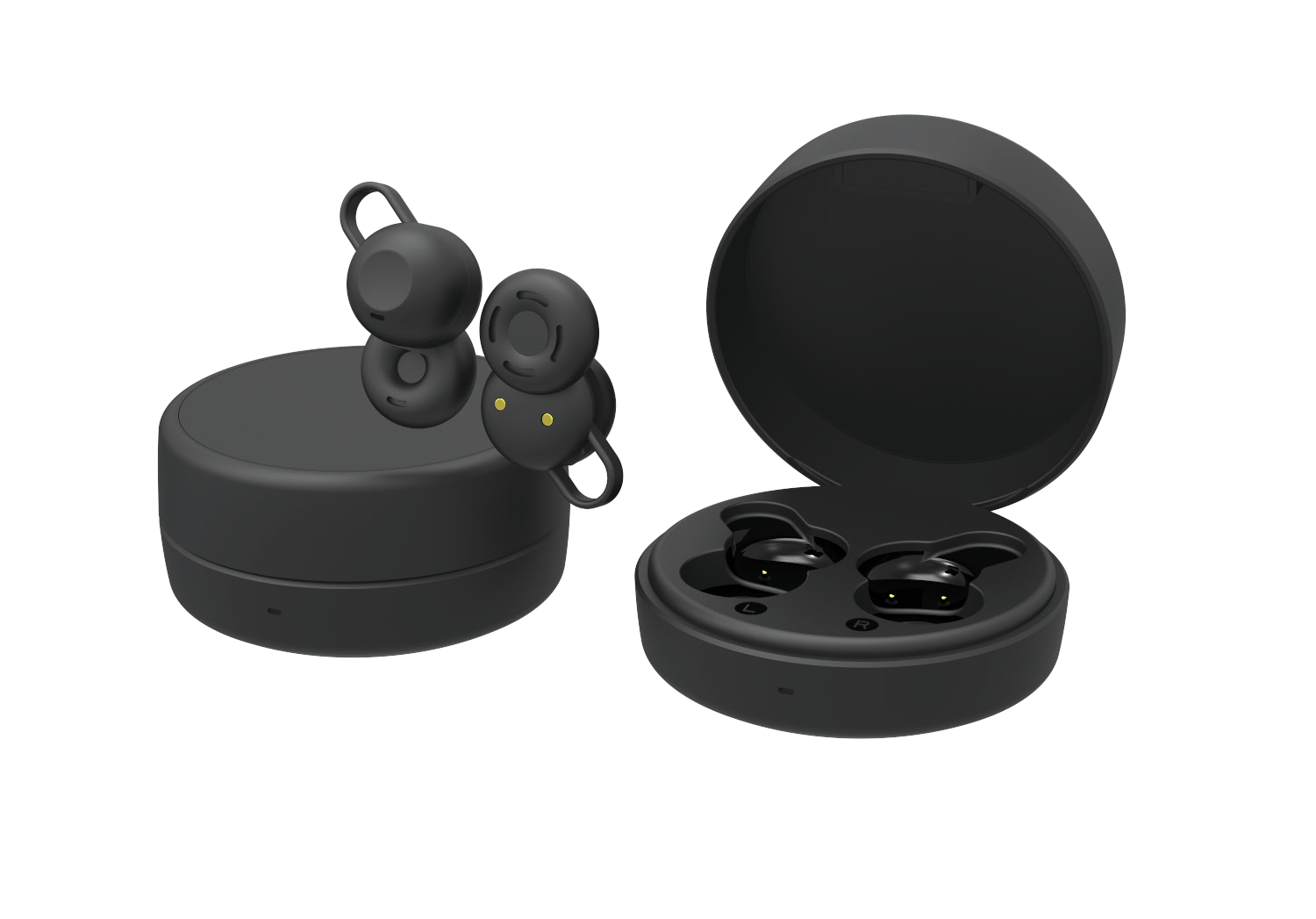
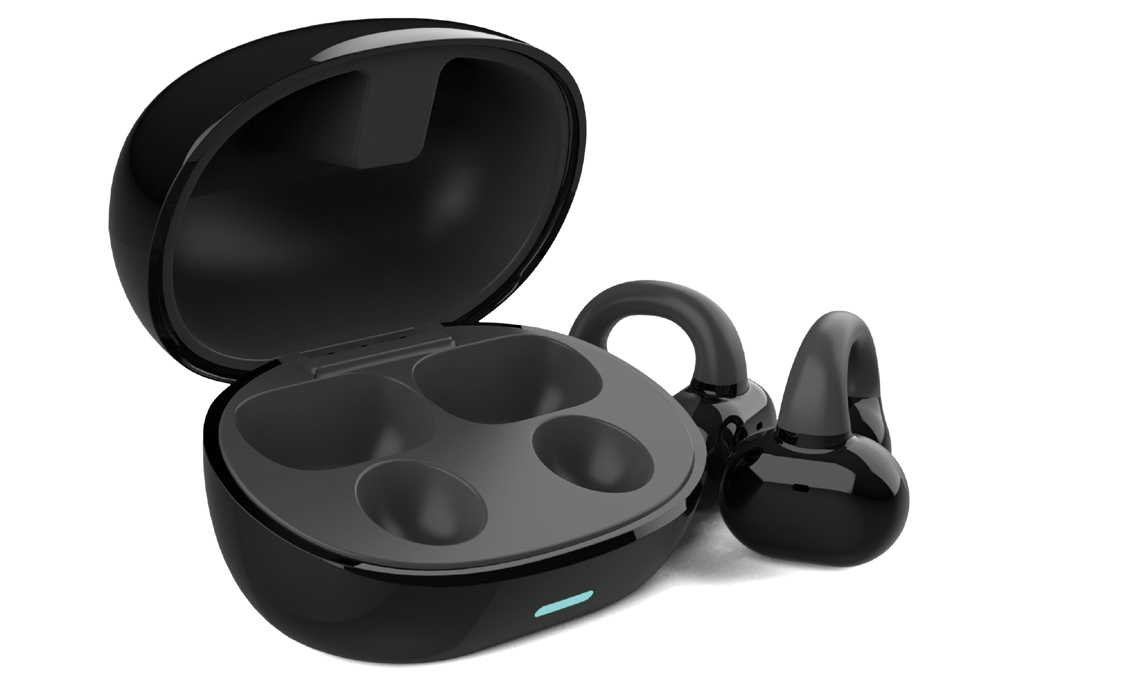
QRSC AUDIO / Q38

Q38

Move freely.
Listen longer.

The Q38 combines flexible earhooks with a digital-display charging case. A choice of five finishes, three ear-tip sizes and on-ear controls makes it easy to build your everyday listening setup.

Explore colours ↓
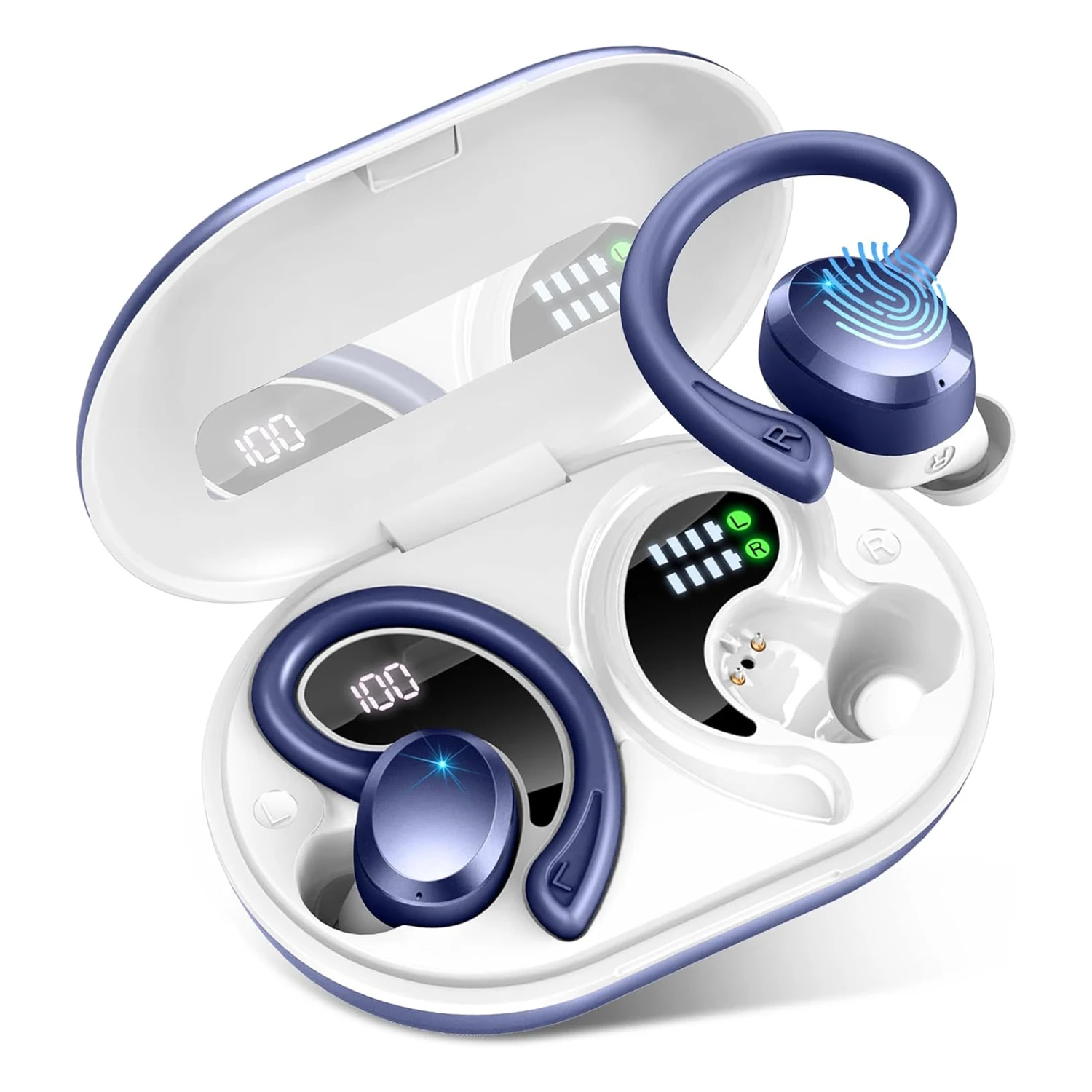
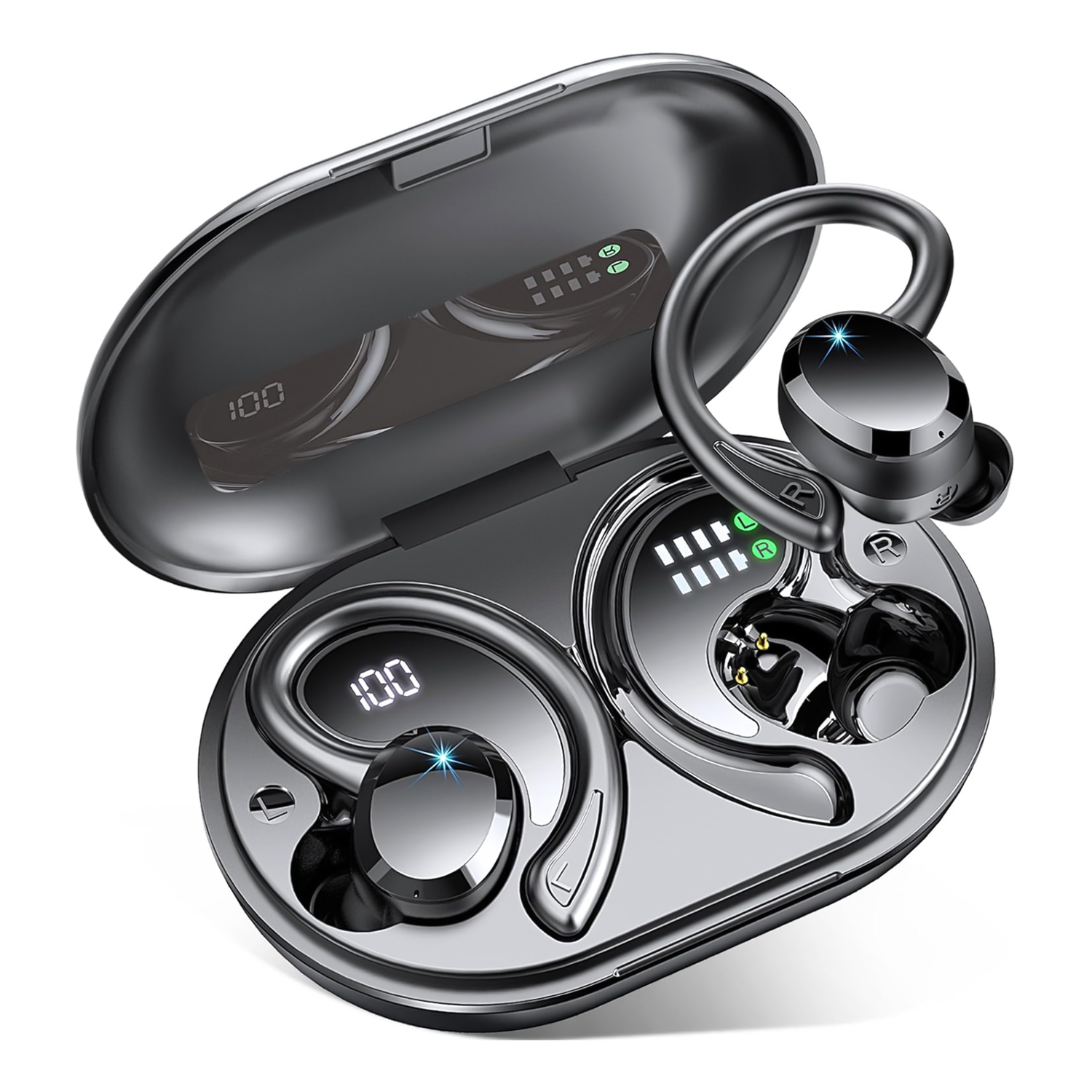
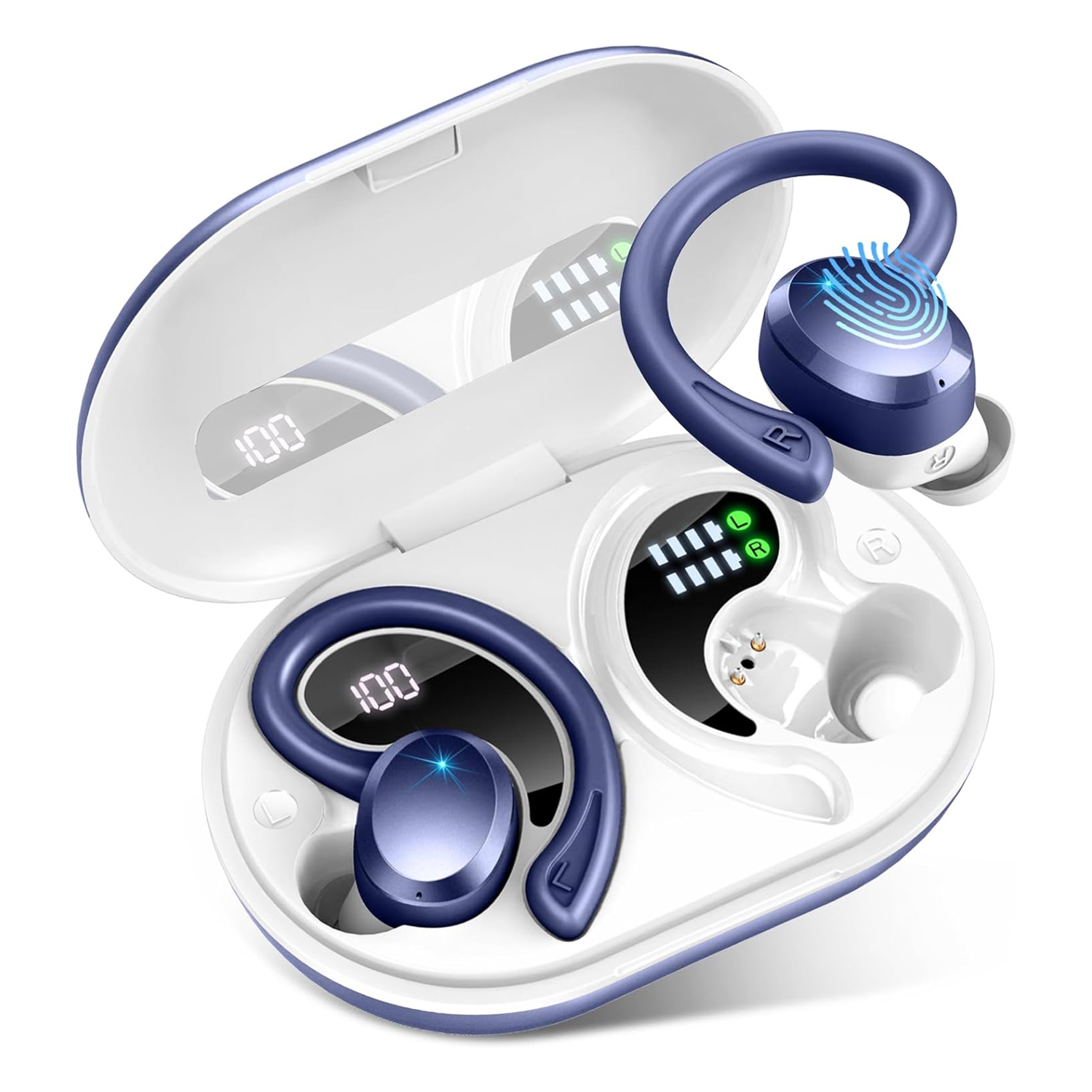
Q38 in Black — Earbuds & charging caseQ38 in Blue — Earbuds & charging case
EarhookFlexible over-ear support
LEDCase and earbud charge status
5Finish choices
Q38 in Black — Earbuds & charging case

FLEXIBLE EARHOOK FIT

Flexible support.
A fit you can adjust.

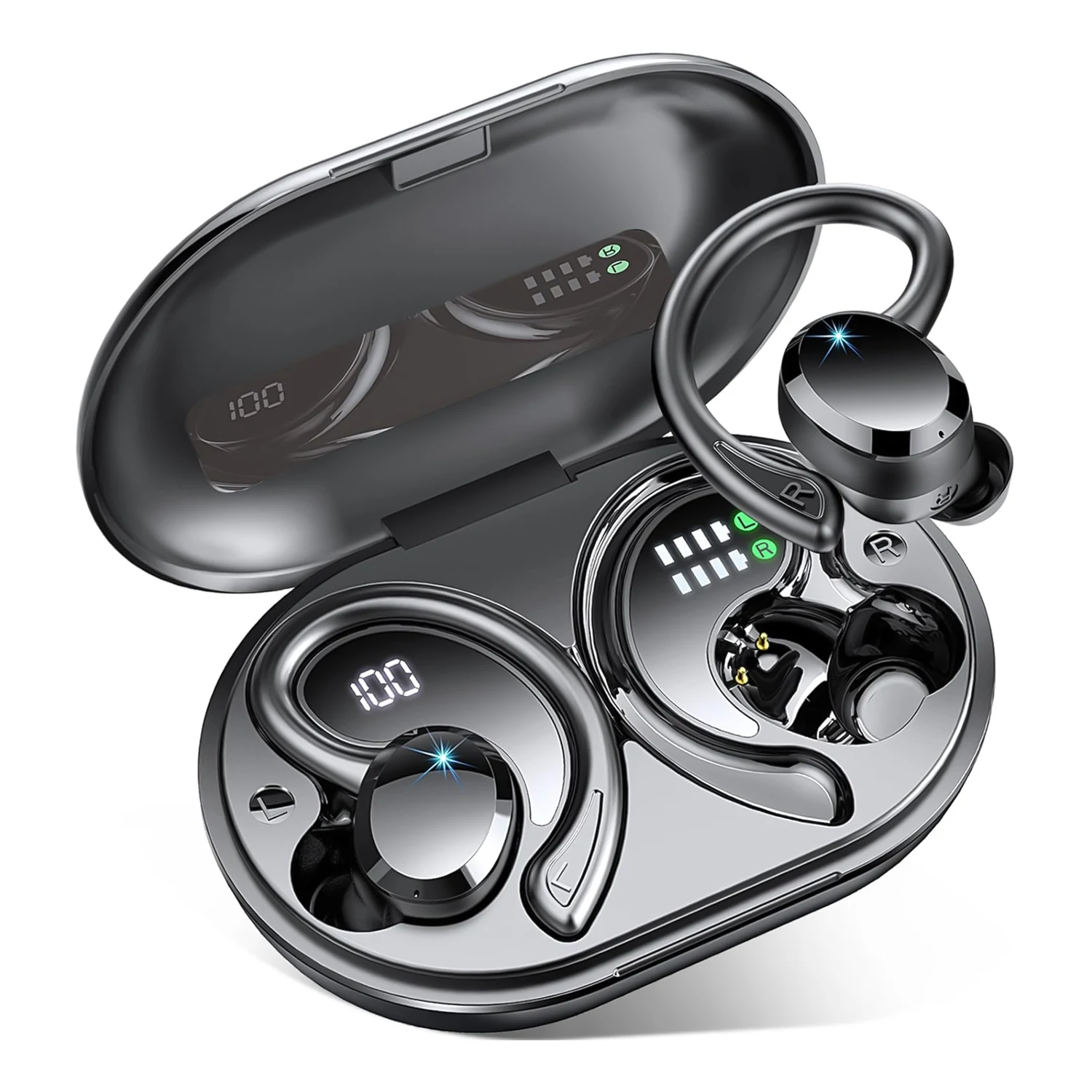
The earhook curves around the outer ear while a silicone tip sits in the ear canal. Choose S, M or L tips, then rotate the earbud gently into a comfortable position. The hook provides an additional point of support during movement; the tip helps form the listening seal.

Q38 in Blue — Earbuds & charging case

DIGITAL CHARGING CASE

See the case.
Check each earbud.

Open the case to view its digital battery readout alongside the earbud charging indicators. The numerical display refers to the case battery; the separate indicators show earbud charging status. These let you check the case and the earbuds separately before setting out.

Q38 in Black — Earbuds & charging case

PAIRING & CONTROLS

Take out.
Pair and listen.

Take the earbuds out of the charged case to power them on, then select Q38 in your phone’s Bluetooth list for first-time pairing. The earbud controls support playback, track selection, volume and calls. Return the earbuds to their fitted bays when it is time to recharge.

BATTERY & CHARGING

Know your charge.
Keep listening.

Open the lid to check the digital charging-case battery display. Separate earbud indicators show charging status. Return each earbud to its fitted bay between listening sessions and check that charging has started.

LEDCase battery display
L / REarbud charging indicators
USBCase charging connection

The case battery readout and earbud charging indicators provide different information. Check both before your next listening session.

TRUE WIRELESS / EARHOOK DESIGN

Find your finish.

The Q38 combines flexible earhooks with a digital-display charging case. A choice of five finishes, three ear-tip sizes and on-ear controls makes it easy to build your everyday listening setup.

Colour / finish: Black
Wearing styleIn-ear with earhooks
ControlsOn-ear controls
DisplayDigital charging case
Finishes5 choices
Request this colour ↗View specifications ↓

Product appearance and finishes may vary by configuration.

A CLOSER LOOK

Explore the details.

Q38 · Black · Earbuds & charging case

An earhook and a choice of tips.

The earhook curves around the outer ear while a silicone tip sits in the ear canal. Choose S, M or L tips, then rotate the earbud gently into a comfortable position. The hook provides an additional point of support during movement; the tip helps form the listening seal.

Q38 · Blue · Earbuds & charging case

Two kinds of battery information.

Open the case to view its digital battery readout alongside the earbud charging indicators. The numerical display refers to the case battery; the separate indicators show earbud charging status. These let you check the case and the earbuds separately before setting out.

Q38 · Black · Earbuds & charging case

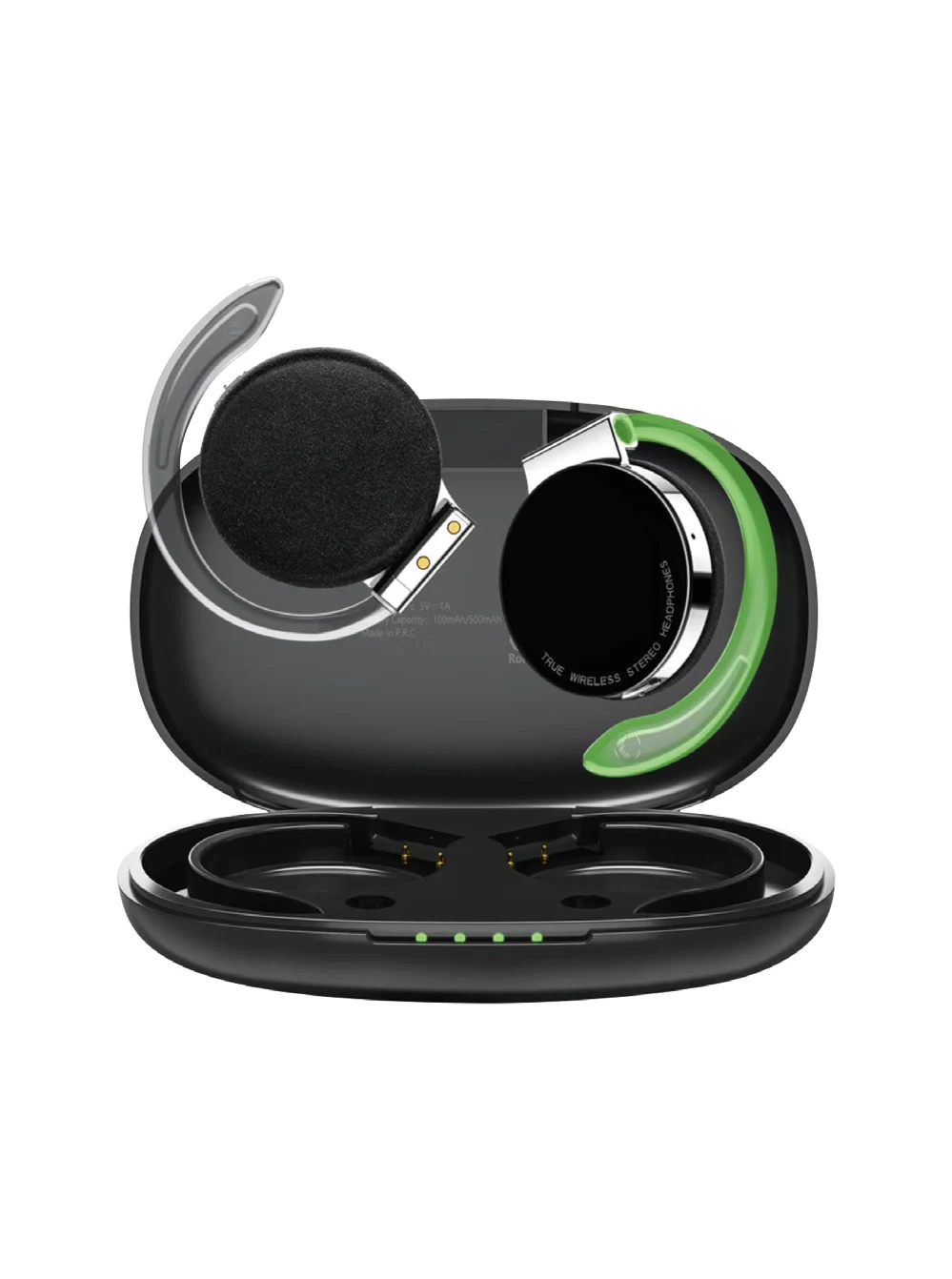
Keep charging contacts ready.

Seat each earbud in the matching left or right charging bay. Wipe the charging contacts and let them dry before charging, as described in the supplied manual. Check that the charging indicator responds after returning an earbud to the case.

CHOOSE YOUR FINISH

5 finishes. One Q38.

UNDERSTAND THE DETAILS

Q38, in detail.

A closer look at wearing, pairing and charging the Q38, with the case and earbuds explained separately.

Fit the tip first, then position the hook.

The earhook curves around the outer ear while a silicone tip sits in the ear canal. Choose S, M or L tips, then rotate the earbud gently into a comfortable position. The hook provides an additional point of support during movement; the tip helps form the listening seal.

  • Use the left and right earbud markings when putting them on.
  • Try the supplied tip sizes to find a comfortable seal.

First connection and everyday controls.

Take the earbuds out of the charged case to power them on, then select Q38 in your phone’s Bluetooth list for first-time pairing. The earbud controls support playback, track selection, volume and calls. Return the earbuds to their fitted bays when it is time to recharge.

  • Bluetooth pairing name: Q38.
  • Refer to the supplied manual for the left/right control gestures.

Read the case and earbud indicators.

Open the lid to check the digital charging-case battery display. Separate earbud indicators show charging status. Return each earbud to its fitted bay between listening sessions and check that charging has started. The case battery readout and earbud charging indicators provide different information. Check both before your next listening session.

  • The case battery and earbud batteries are separate power sources.
  • Check both earbud charging indicators after placing the earbuds in the case.

Charging care and connection recovery.

Keep the charging contacts clean and dry. If the earbuds develop a pairing or function problem, the manual describes deleting their Bluetooth pairing entry on the phone, returning them to the case to charge, then taking them out and waiting 20 seconds before pairing again.

  • Fully charge the earbuds and case before first use.
  • Choose the model, finish and quantity when requesting a sample or OEM quotation.
View full specifications ↓

PRODUCT INFORMATION

Q38 specifications

Product details and supplied manual

Product type
True wireless in-ear earbuds with earhooks
Wearing design
Flexible over-ear hooks and interchangeable ear tips
Battery display
Digital case level and earbud charging indicators
Controls
Playback, tracks, volume and calls
Colours shown
Black / Blue / Purple / Pink / White
Pairing name
Q38

Battery life and wireless range vary with usage and environment.

OEM CUSTOMIZATION & SAMPLES

Make it your brand.

Custom logo

1,000 units

Minimum order quantity for OEM logo customization.

Custom packaging

1,000 units

Minimum order quantity for OEM packaging customization.

Paid samples

Credit toward your order

Samples are charged. The sample fee can be credited toward your bulk order when you place it.

Discuss customization & samples ↗

Scan to connect

WhatsApp QR code for +86 13417406110
WhatsApp
+86 13417406110
WeChat contact QR code — open original to scan
WeChat
Scan with WeChat · Tap to view original