Clip it on
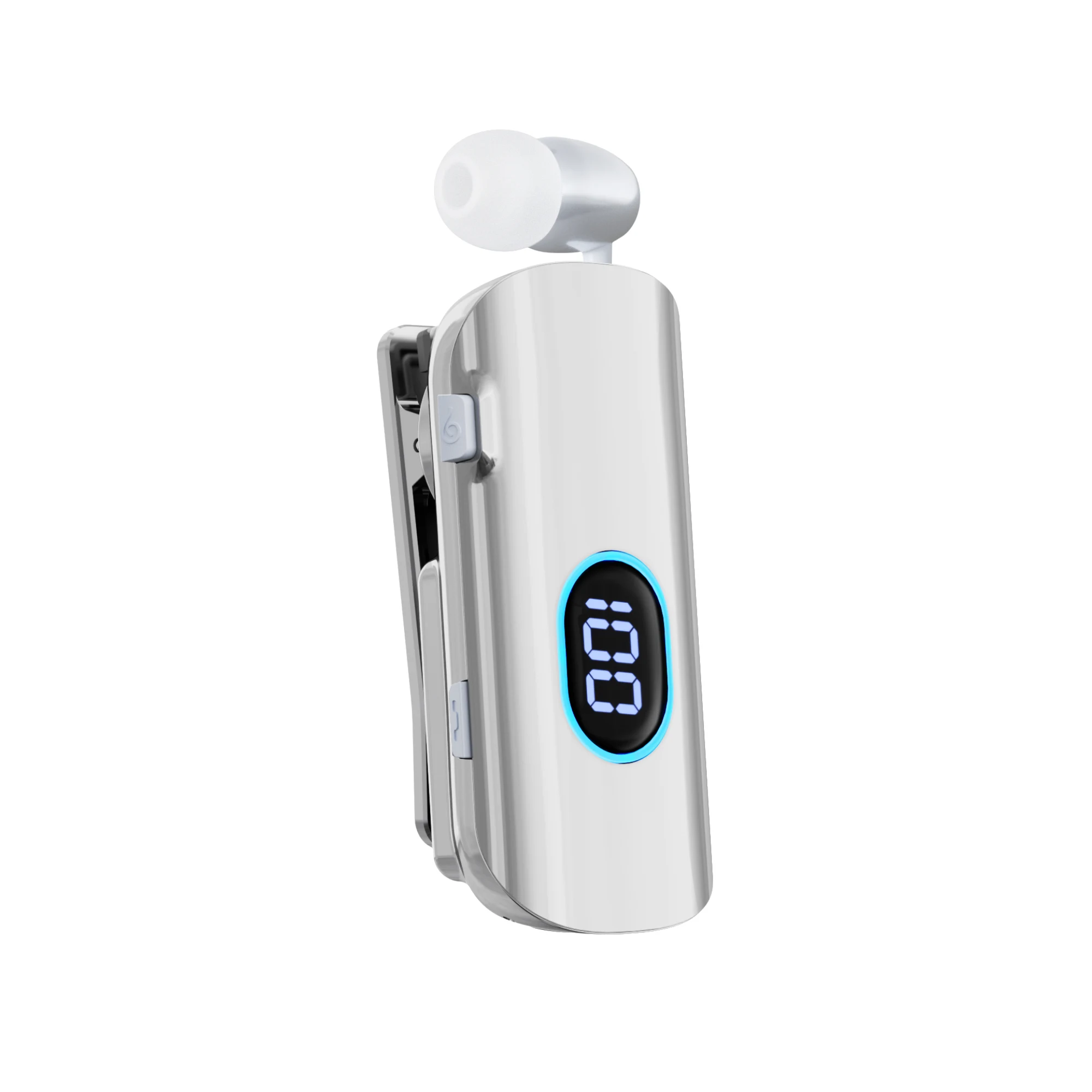
A built-in back clip keeps the compact body attached to your clothing.
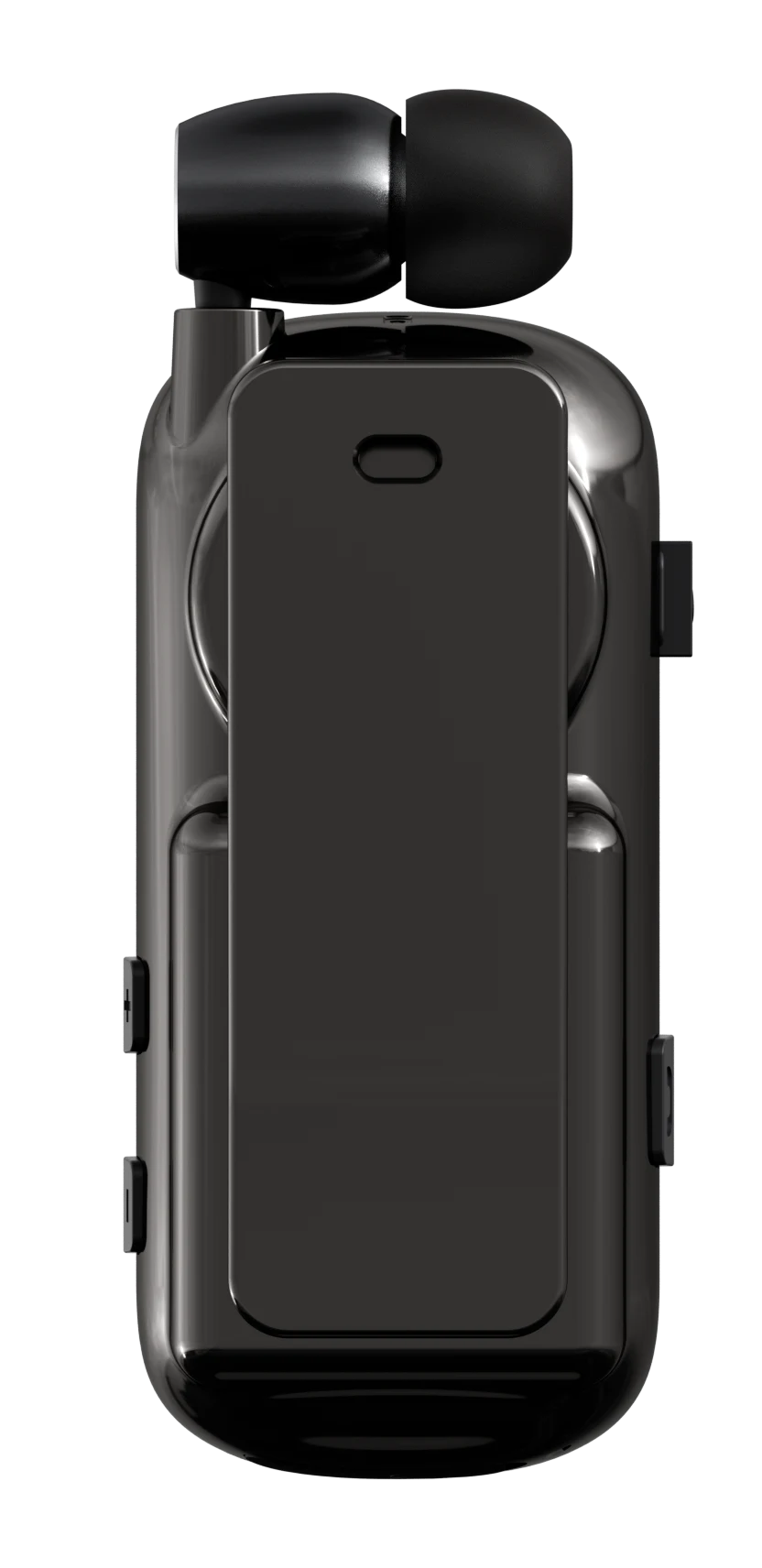
CLIP ON. TUNE IN.
Clip-on Bluetooth earphone
with a retractable cable.
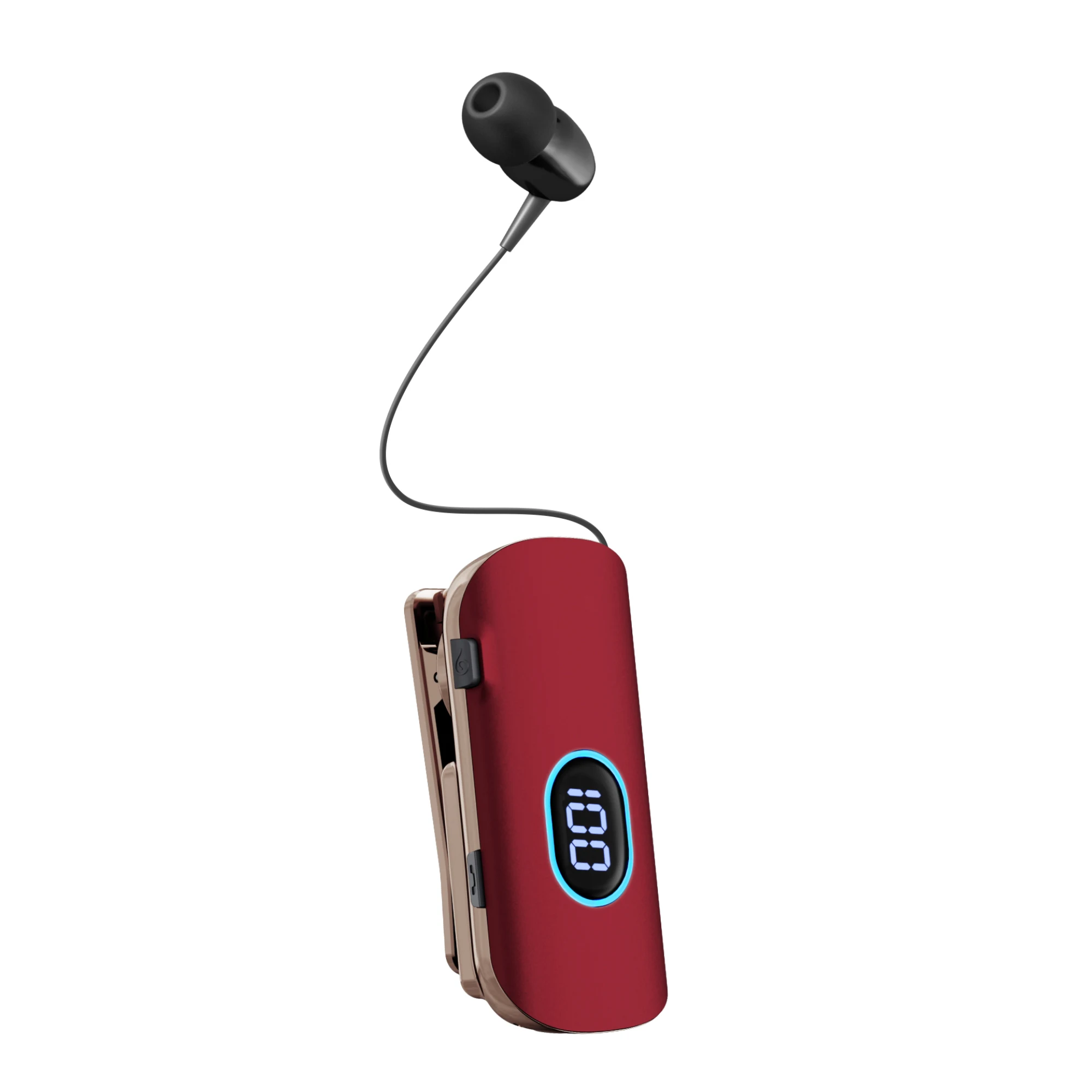
READY WHEN YOU ARE
Extend the earbud when you need it. A press of the retraction button brings the cable back into the body, keeping it neatly stored between calls.
MORE TIME BETWEEN CHARGES
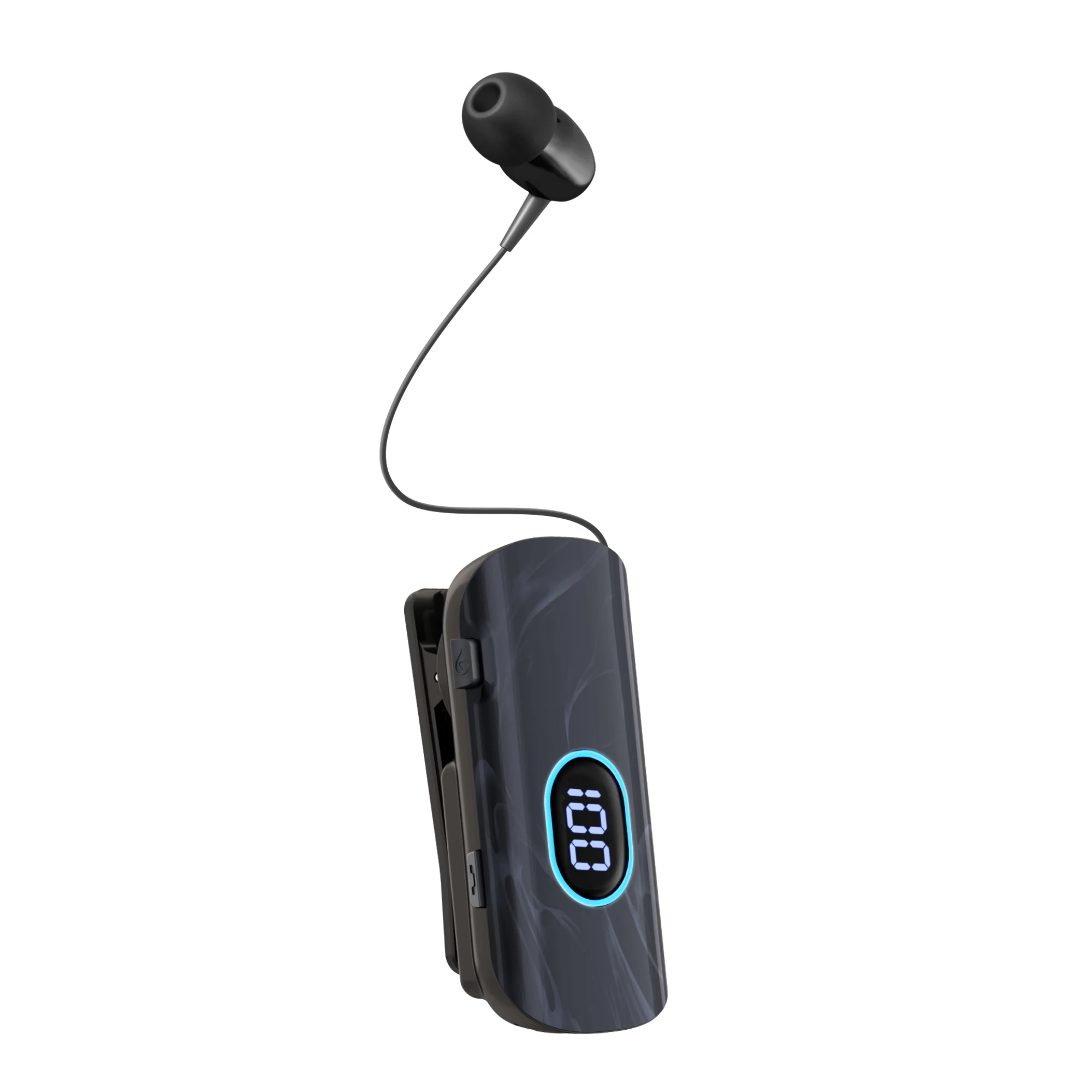
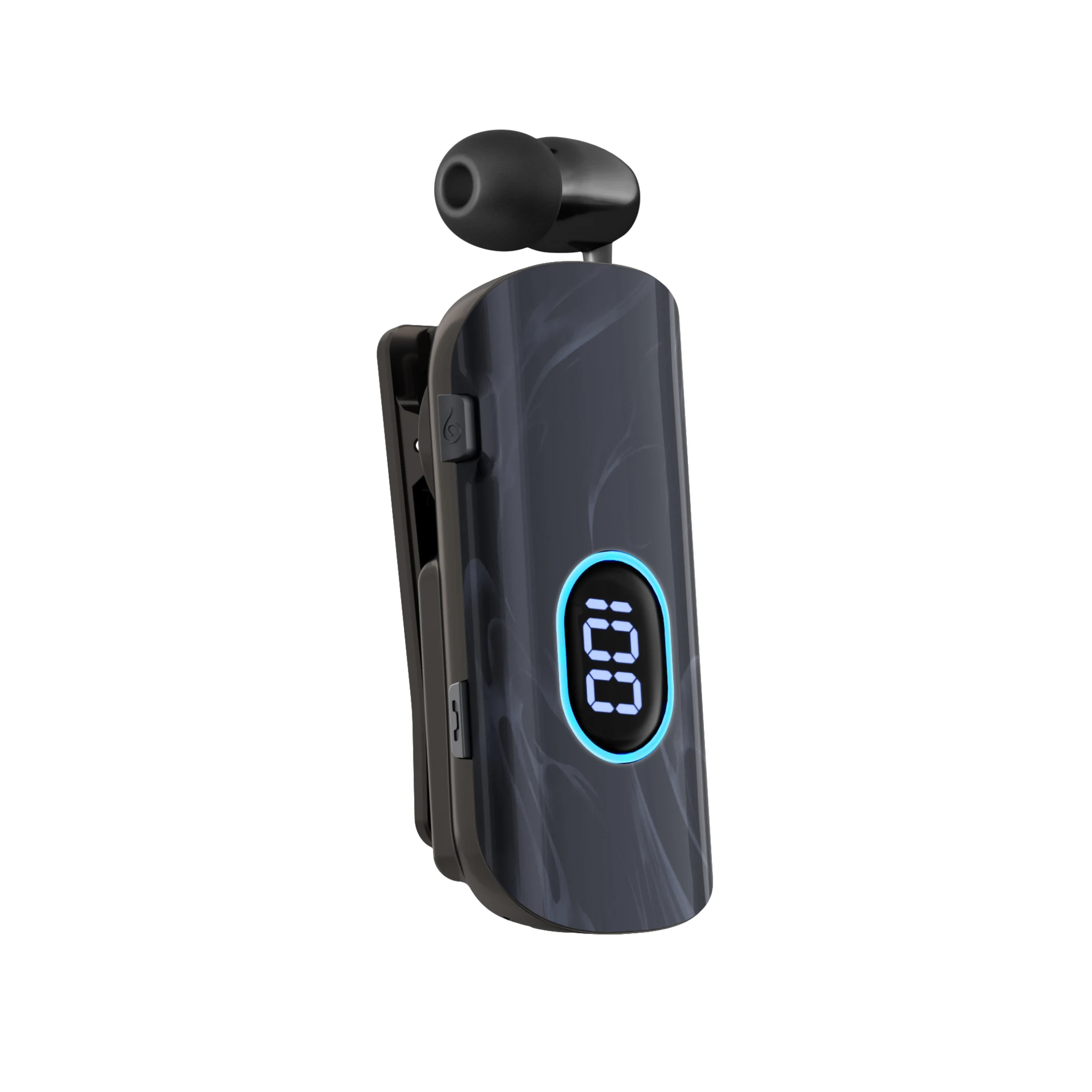
A 250 mAh battery powers long listening sessions.
Recharge through USB-C and check your battery level on the digital display.
1. Approximately 50 hours at 80% volume with the ambient light off. At maximum volume: approximately 40 hours with the light off, or 25 hours with the light on. Actual performance varies with use.
2. Talk time is based on the product specification and varies with operating conditions.
STAY IN THE CONVERSATION
Dual-microphone ENC helps reduce background noise during calls. Bluetooth 6.0 connects K93 to your phone, with support for pairing to two devices.
ENC applies to microphone audio during calls; it is not active noise cancellation for listening.
AI VOICE CONTROL
Control playback, adjust volume and respond to incoming calls using the commands below.
| Function | English command | Chinese command |
|---|---|---|
| Pause playback | Pause music | 暂停播放 停止播放 |
| Play music | Play music | 播放音乐 |
| Increase volume | Increase volume | 增大音量 增加音量 |
| Set volume to 7 (maximum 16) | Moderate volume | 中等音量 |
| Decrease volume | Turn down volume | 减小音量 |
| Previous track | Play last song | 播放上一首 播放上一曲 |
| Next track | Play next song | 播放下一首 播放下一曲 |
| Accept an incoming call | Answer call | 接听电话 接通电话 接听来电 接通来电 |
| Reject an incoming call | Reject call | 挂掉电话 挂掉来电 |
The call commands apply when a call is incoming. On some Android phones, check the Bluetooth volume synchronisation setting. Refer to the supplied instruction manual for details.
THOUGHTFUL IN EVERY DETAIL
A built-in back clip keeps the compact body attached to your clothing.
A digital battery display and switchable ambient light put status at a glance.
Physical buttons handle music, volume and calls. An incoming-call vibration alert helps you notice a call.
FIND YOUR FINISH
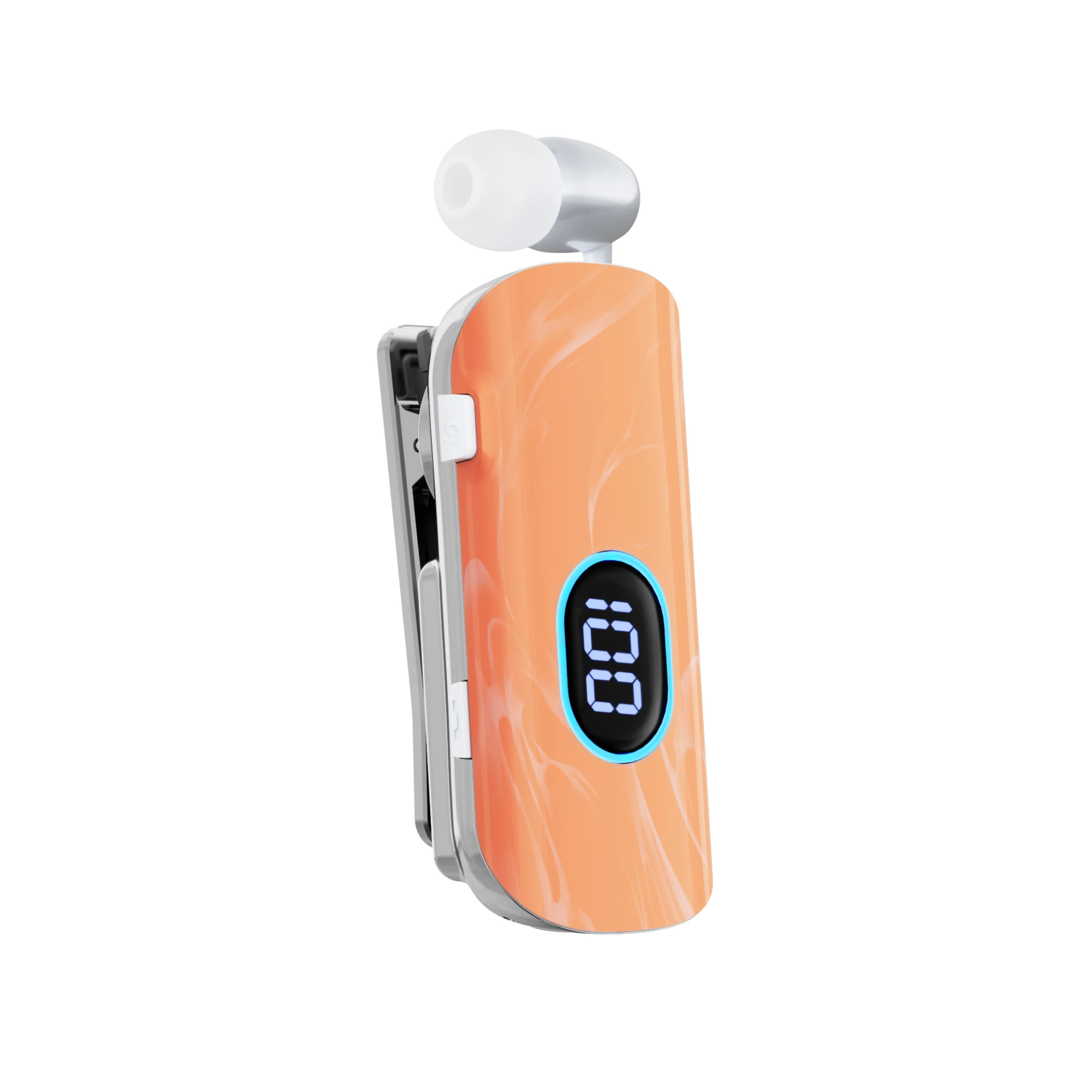
From flowing marble patterns to a polished silver finish. Explore five K93 color options.
Marble Black
Ask about this finish ↗Colors and surface patterns may vary. Confirm the finish and availability when ordering.
UNDERSTAND THE DETAILS
A closer look at voice commands, retractable construction and the effect of volume and ambient lighting on endurance.
Power on the K93, triple-click the MFB button to enter AI Sports mode, and connect it to your smartphone. The voice-command table on this page lists the supported phrases for music, volume and incoming calls.
The dual-microphone ENC system is intended to reduce background noise in the outgoing call signal. It supports the microphone side of a conversation; the result still depends on the surrounding noise and call conditions.
With ambient lighting off, music playback is approximately 50 hours at 80% volume or 40 hours at maximum volume. With ambient lighting on at maximum volume, the figure is approximately 25 hours.
The retractable cable keeps the earpiece connected to the clip-on body. Five finish options are shown with original product photographs so the front surface, body shape and colour can be compared.
THE DETAILS
Battery conditions are described above. Range and compatibility depend on the device and environment. Confirm the supplied configuration before placing an order.
QUICK START
Pairing and controls, made simple.
Hold the multifunction button for approximately 3 seconds to power on. The earphone enters pairing mode. Select K93 in your phone’s Bluetooth settings.
Pair the first phone, then turn off its Bluetooth. Pair the second phone. Turn Bluetooth back on on the first phone and reconnect to K93 manually.
Press the multifunction button once to play or pause music, or to answer or end a call. Hold it for 2 seconds to reject an incoming call. Press the volume buttons to adjust the volume.
Double-press either volume button to switch the ambient light on or off. Leaving the light off extends playback time.
With the earphone powered on, hold the multifunction button for approximately 2 seconds. The battery display turns off automatically after 18 seconds.
FOR YOUR NEXT ORDER
Contact our team for sample availability, product configurations and a quotation.
Contact us on WhatsApp ↗
OEM CUSTOMIZATION & SAMPLES
Minimum order quantity for OEM logo customization.
Minimum order quantity for OEM packaging customization.
Samples are charged. The sample fee can be credited toward your bulk order when you place it.