QRSC AUDIO / F16

F16

A gentle curve.
An open fit.

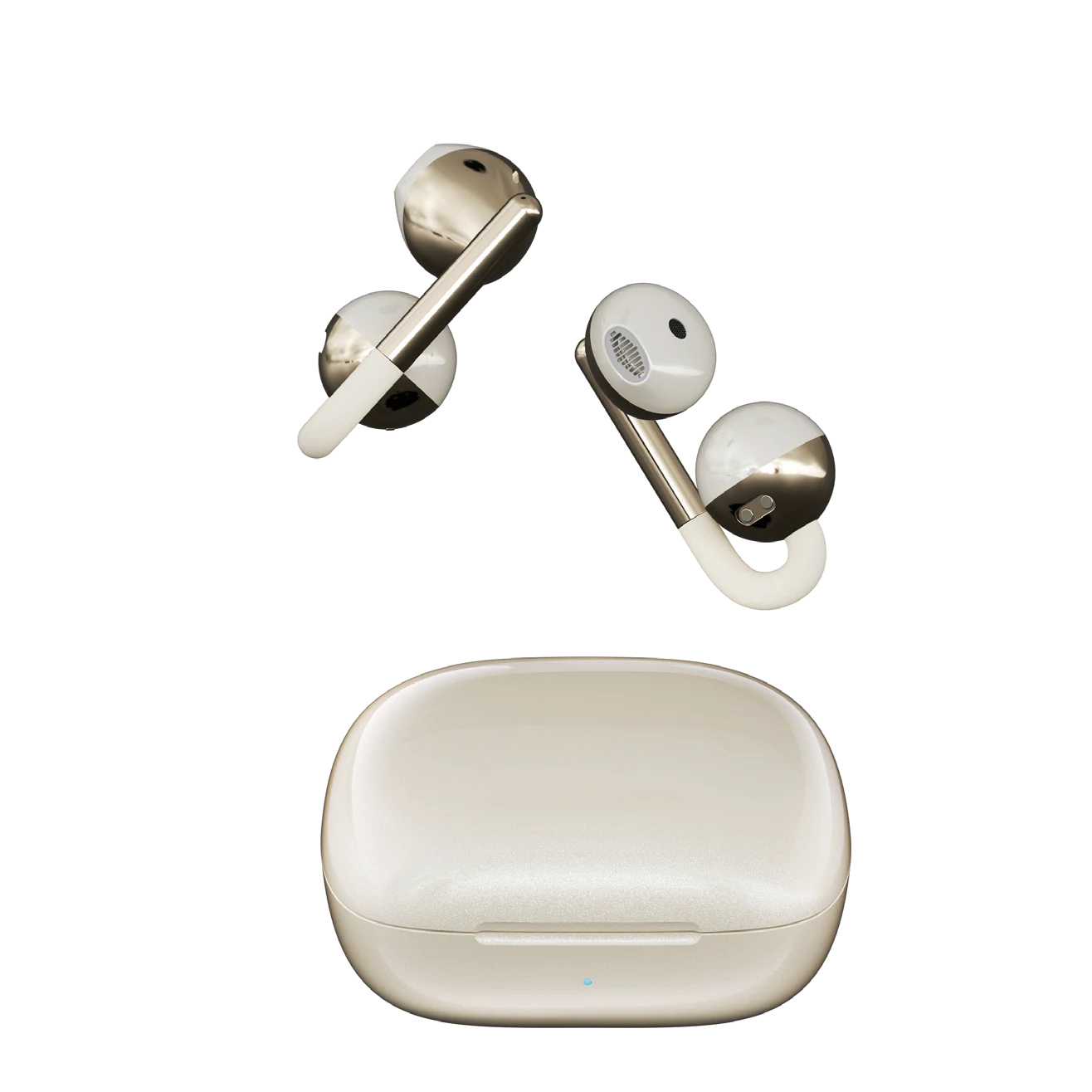
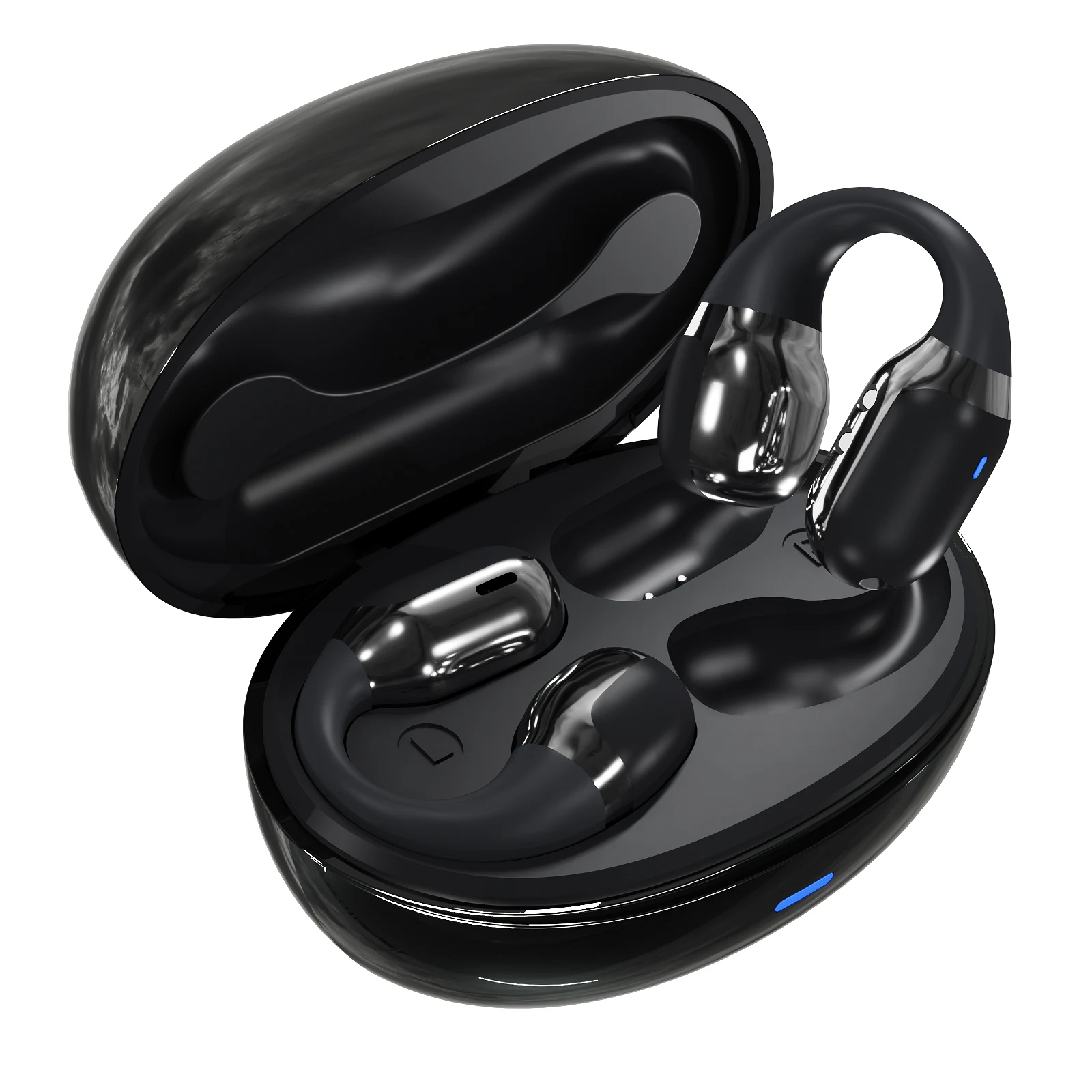
The F16 pairs a curved ear-clip design with a smooth oval case. Four finishes, touch controls and Bluetooth 5.4 create a compact everyday option for music and calls.

Explore colours ↓
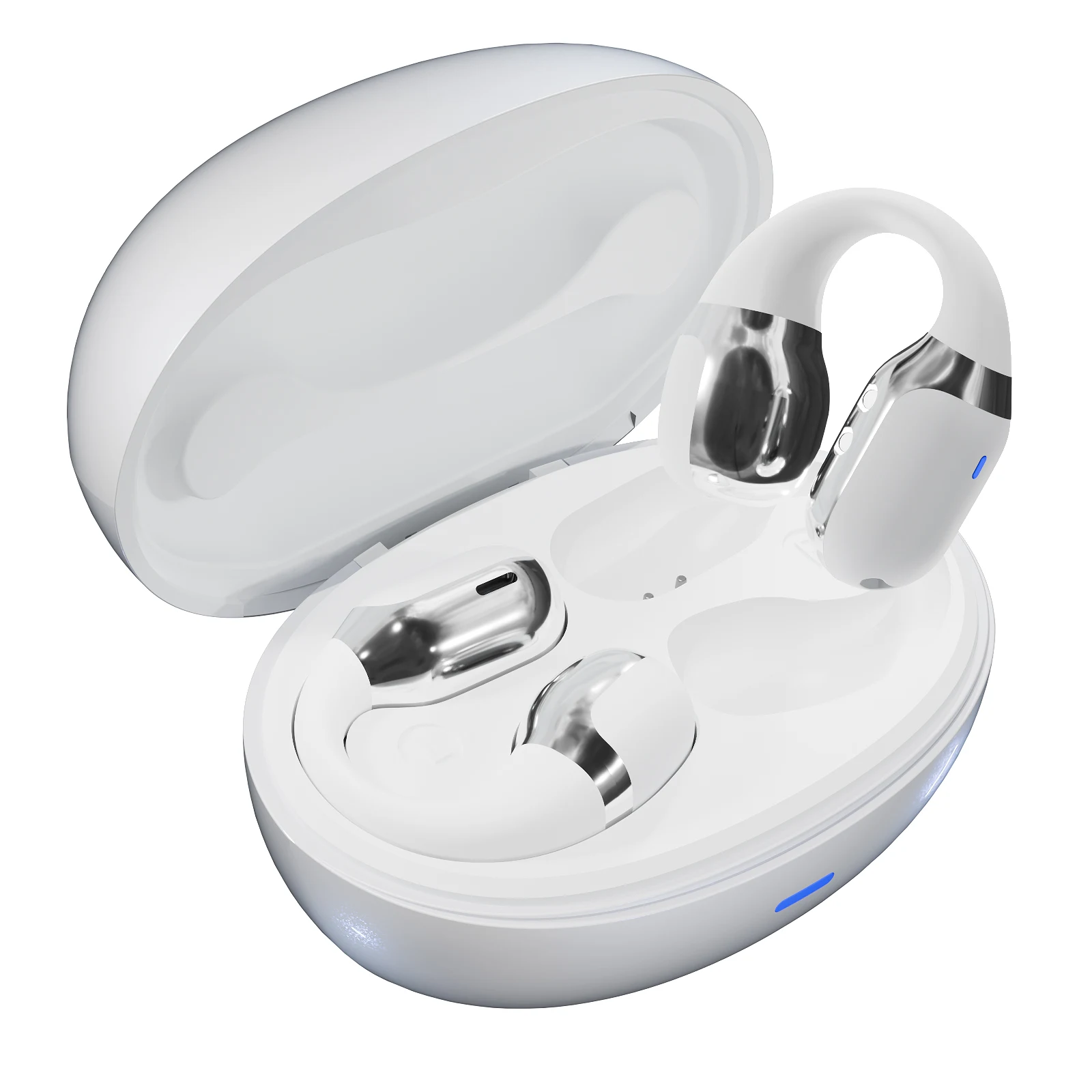
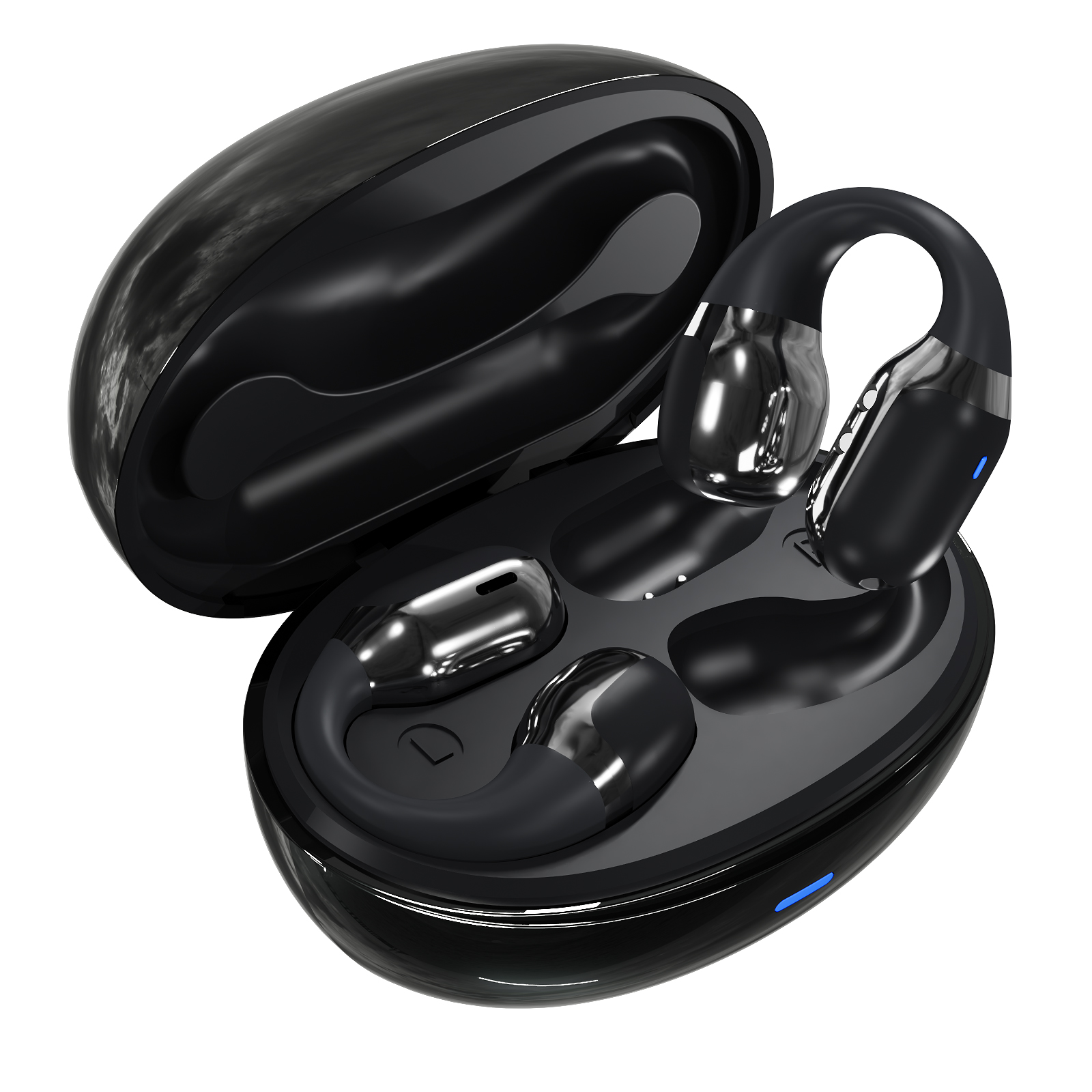
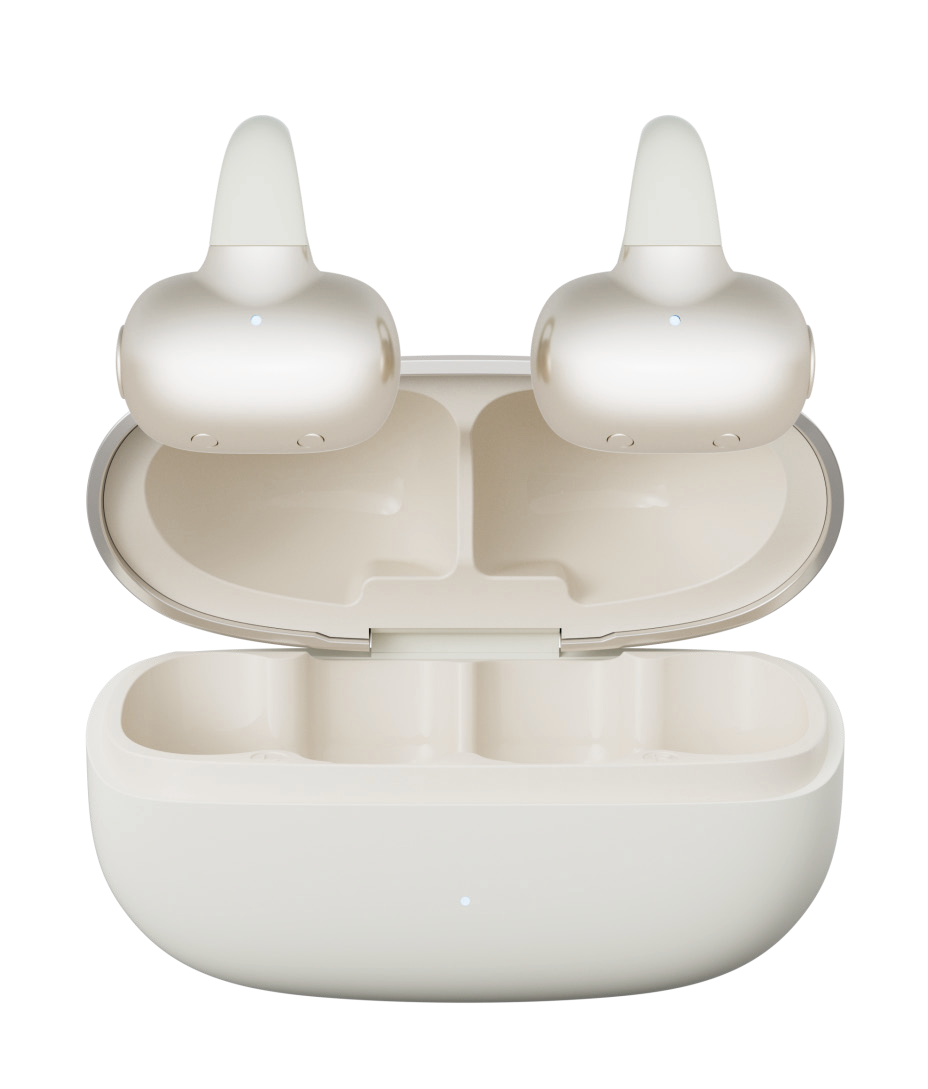
F16 in White — Open caseF16 in Black — Open case
7 hMusic at 80% volume
400 mAhCharging-case battery
4Finish choices
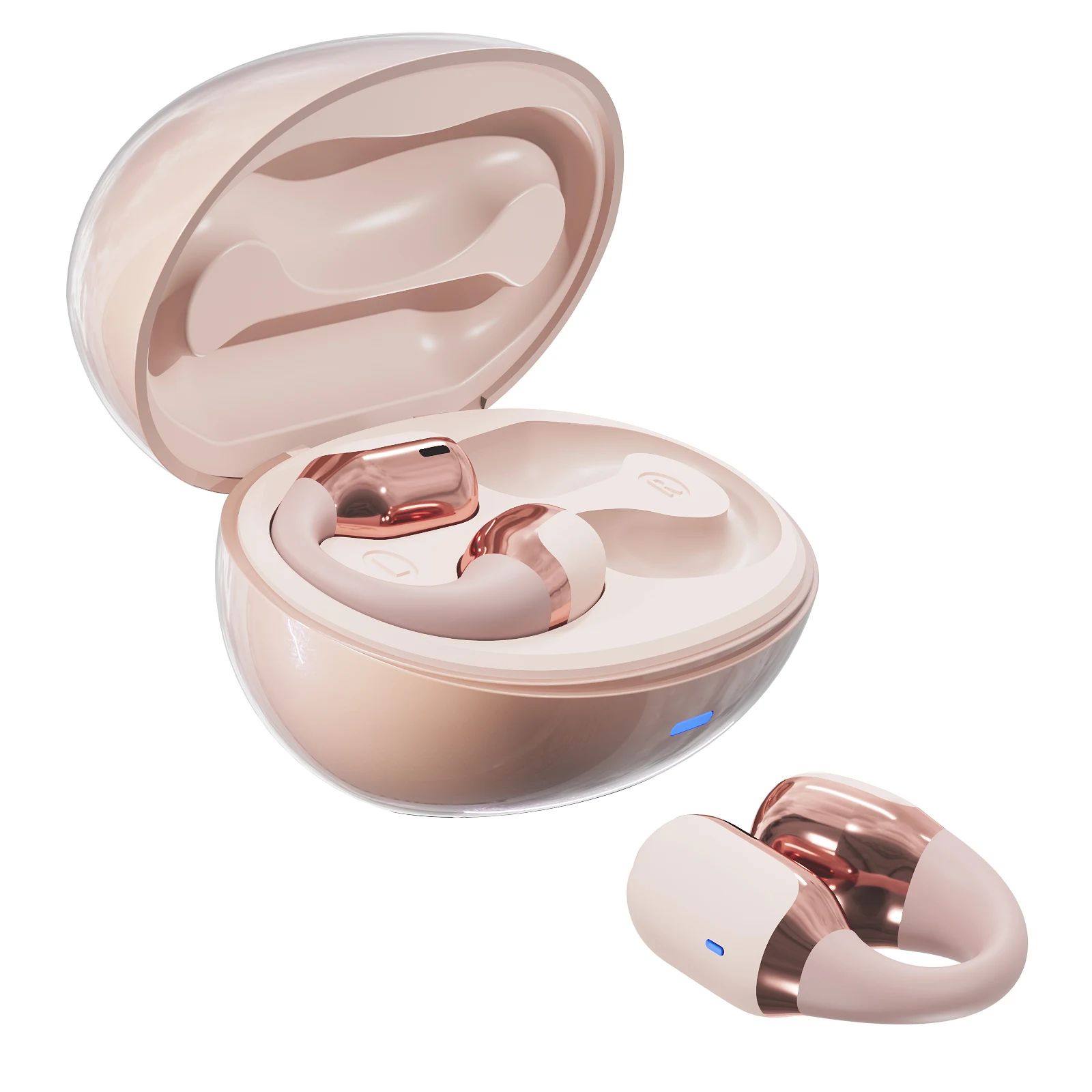
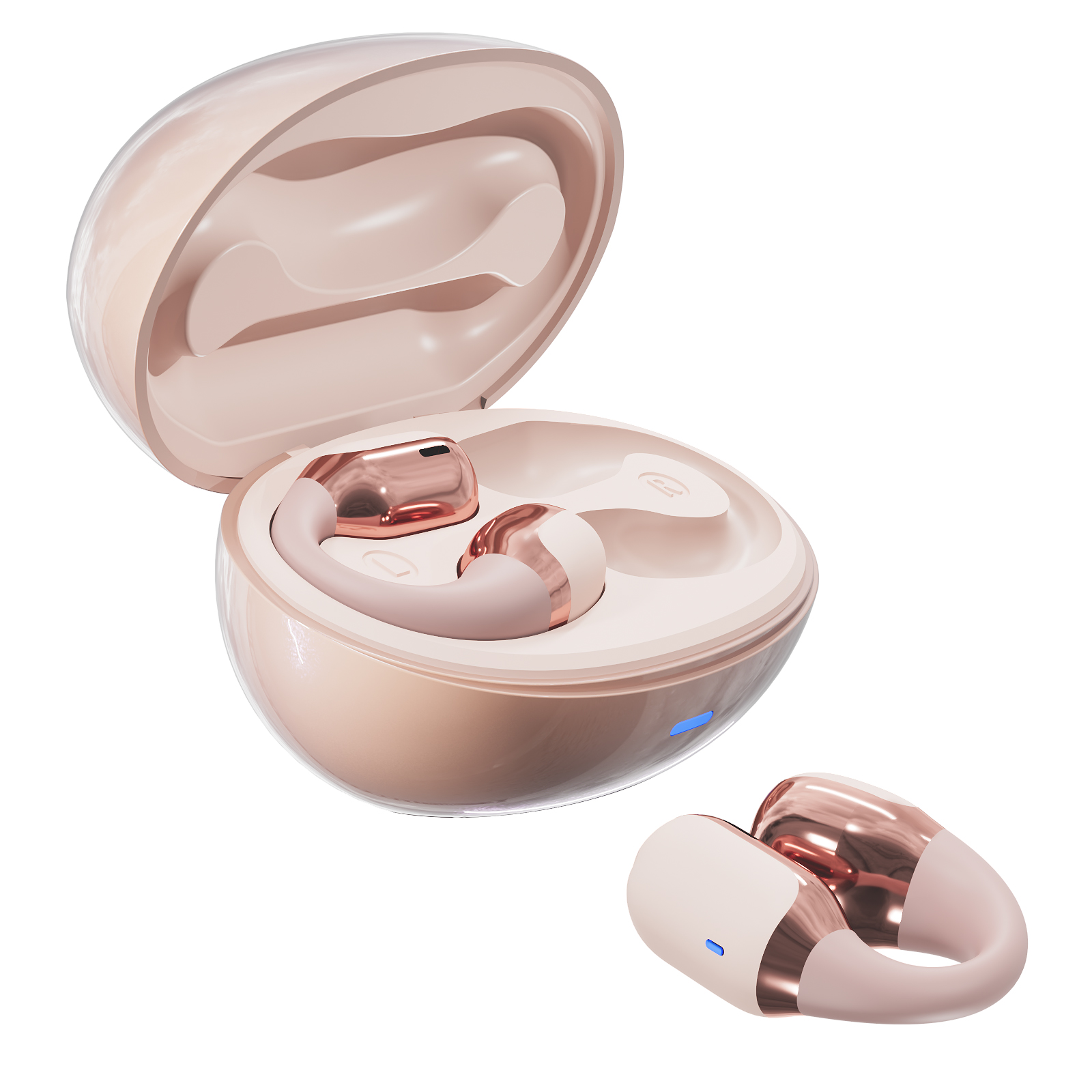
F16 in Pink — Earbuds & case

EAR-CLIP DESIGN

A curved fit around the outer ear.

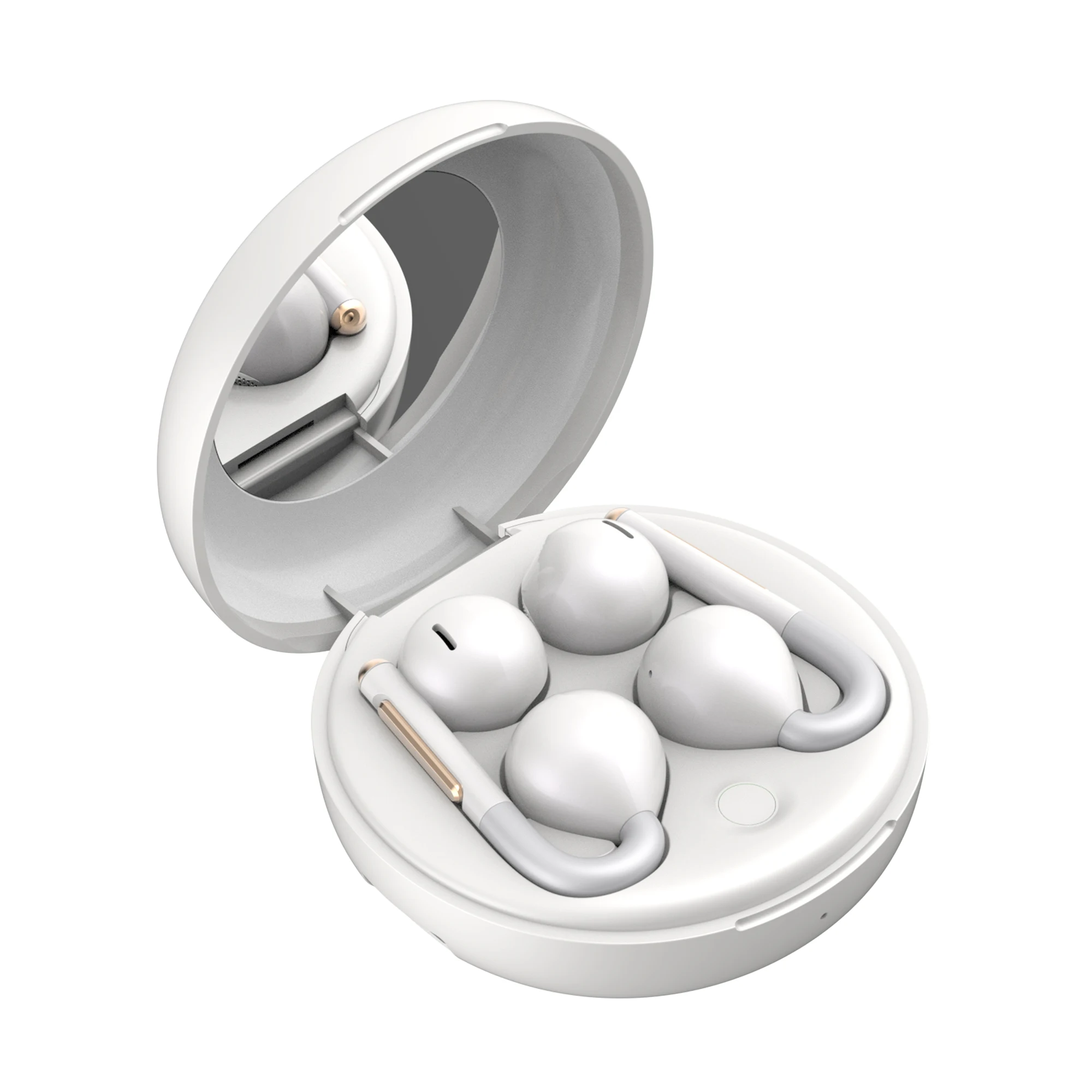
The curved bridge positions the speaker near the ear while keeping the ear canal open. Find a comfortable resting position rather than pushing the speaker into the canal. The original views show the clip shape and how the earbuds sit in the case.

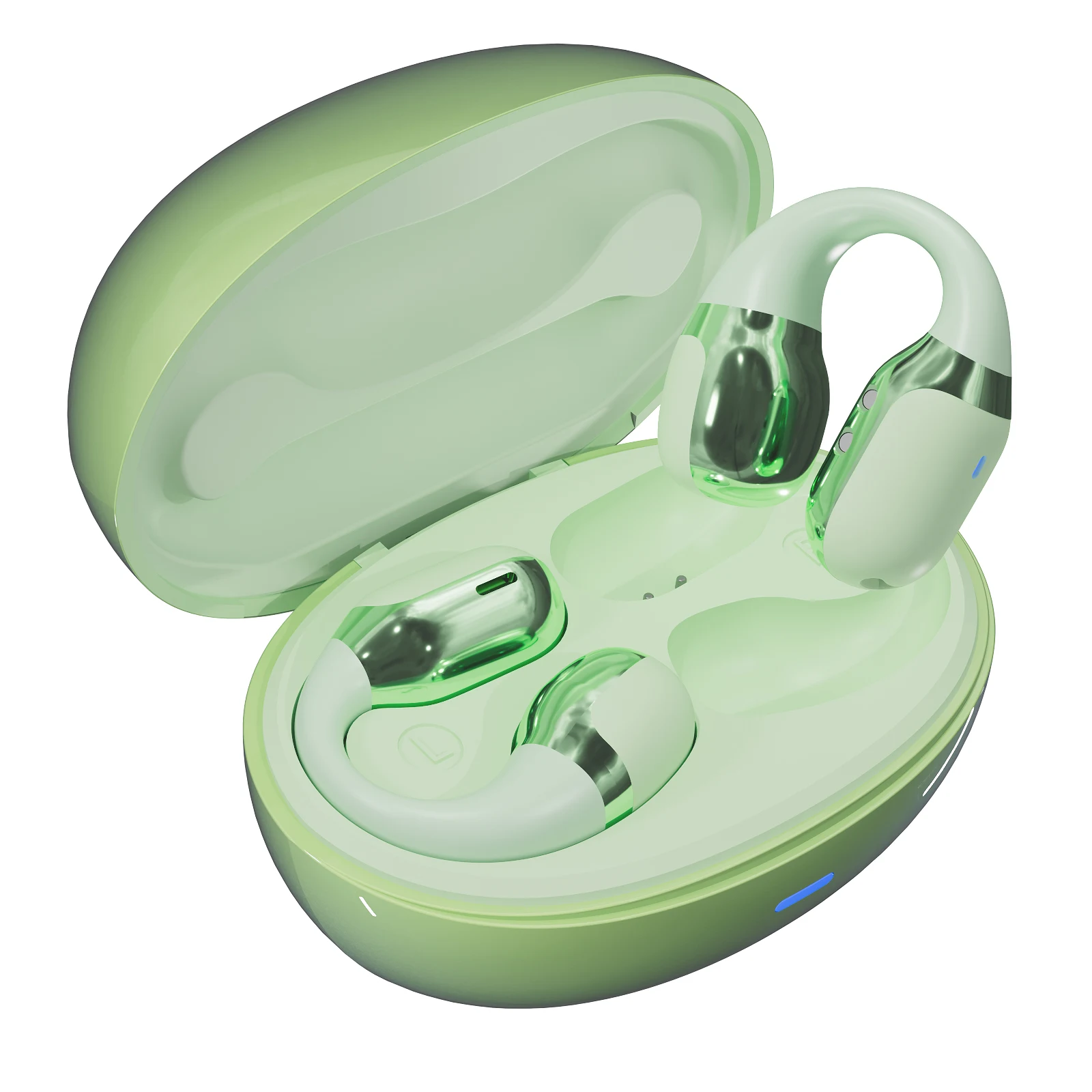
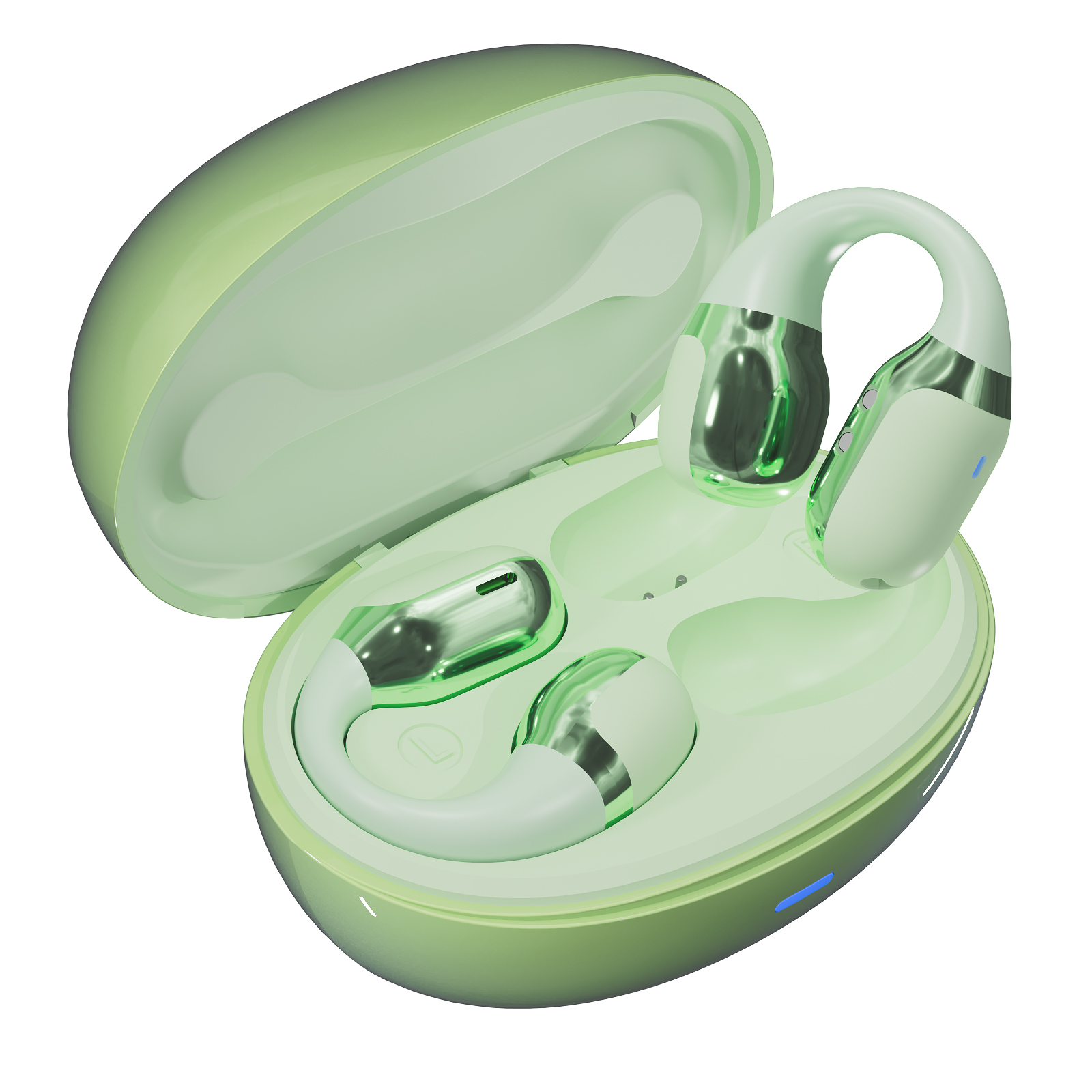
F16 in Green — Open case

TOUCH CONTROLS

Playback at your fingertips.

Tap either earbud once to play or pause. Double-tap the left earbud to lower volume or the right earbud to raise it. Triple-tap left for the previous track and right for the next track, following the F16 specification.

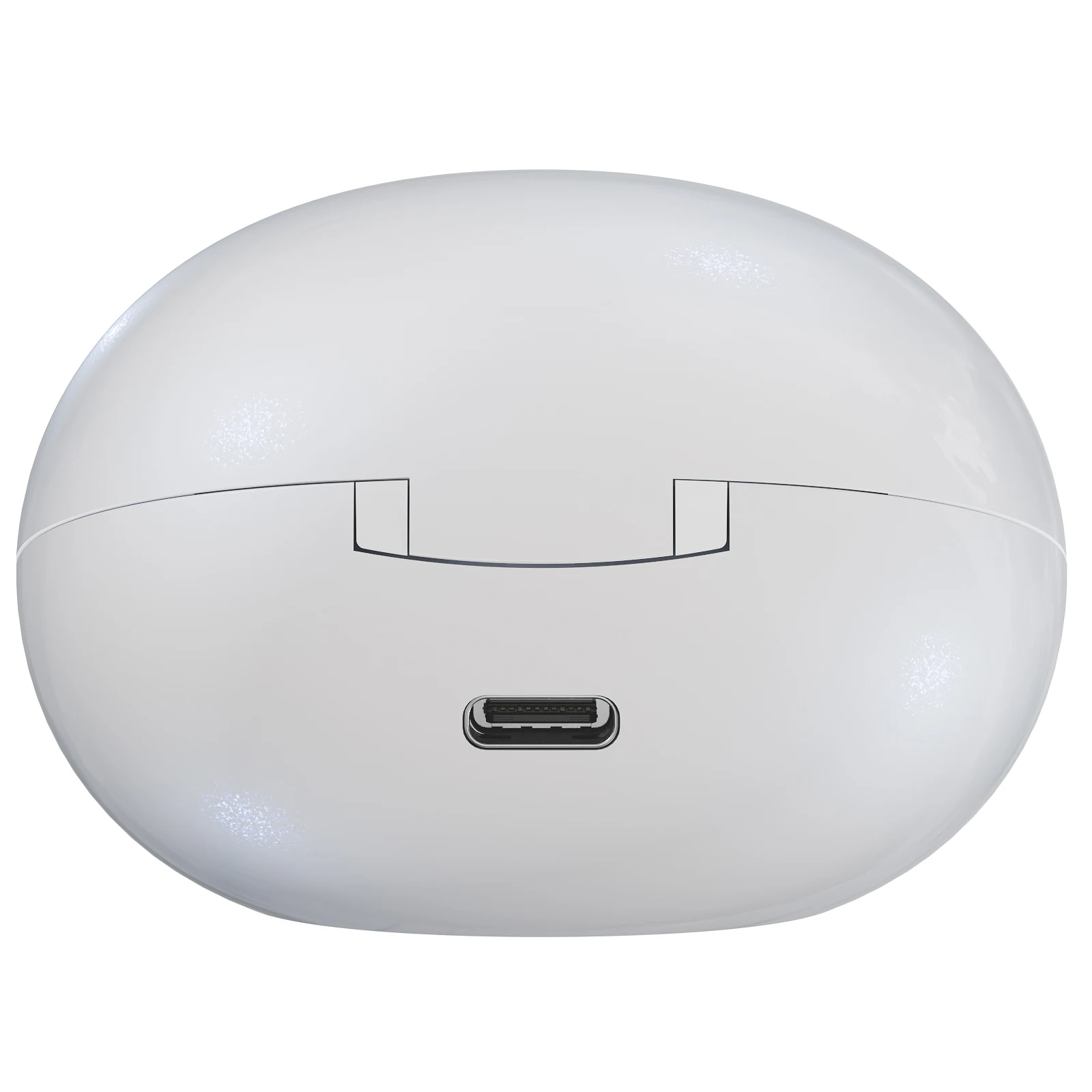
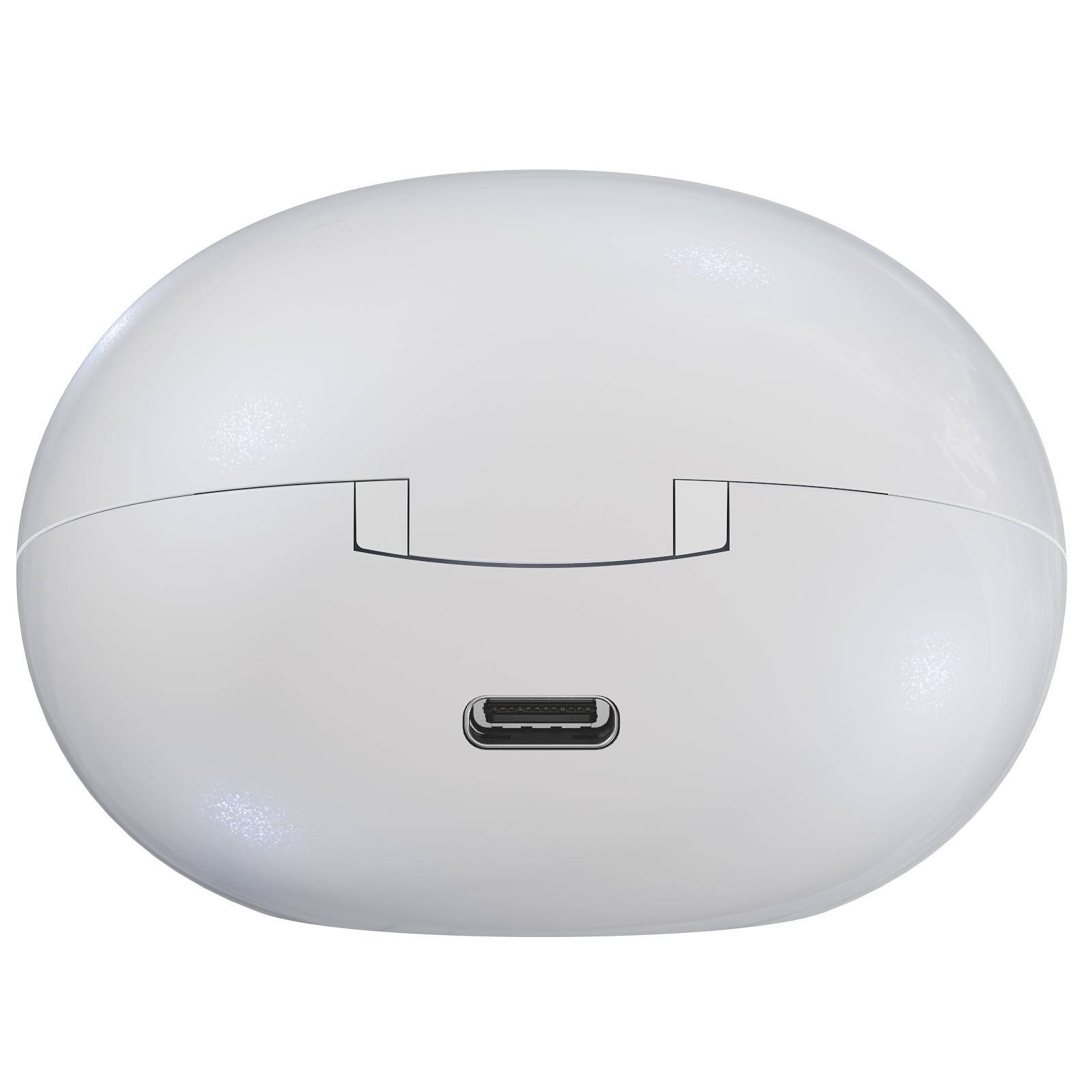
F16 in White — Charging port

CHARGING CASE

Open the lid. Start connecting.

Opening the charging-case lid powers on the earbuds and starts their pairing sequence. Place the earbuds back in their charging bays and close the lid to switch them off and recharge. The rear charging port leaves the front status light visible.

BATTERY & CHARGING

Earbud power.
Case reserve.

Each earbud has a 50 mAh battery, supported by a 400 mAh charging case. Listed music playback is approximately 7 hours at 80% volume.

7hMusic at 80% volume
5hApproximate talk time
1hApproximate earbud full charge

At maximum volume, the listed music duration is approximately 6 hours. Actual playback varies with volume, calls and operating conditions. Charging-case capacity is separate from the battery inside each earbud.

OPEN-EAR / EAR-CLIP DESIGN

Find your finish.

The F16 pairs a curved ear-clip design with a smooth oval case. Four finishes, touch controls and Bluetooth 5.4 create a compact everyday option for music and calls.

Colour / finish: Black
Bluetooth5.4
Music at 80% volumeApprox. 7 h
Earbud battery50 mAh each
Case battery400 mAh
Request this colour ↗View specifications ↓

Product appearance and finishes may vary by configuration.

A CLOSER LOOK

Explore the details.

F16 · Pink · Earbuds & case

A curved fit around the outer ear.

The curved bridge positions the speaker near the ear while keeping the ear canal open. Find a comfortable resting position rather than pushing the speaker into the canal. The original views show the clip shape and how the earbuds sit in the case.

F16 · Green · Open case

Playback at your fingertips.

Tap either earbud once to play or pause. Double-tap the left earbud to lower volume or the right earbud to raise it. Triple-tap left for the previous track and right for the next track, following the F16 specification.

F16 · White · Charging port

Open the lid. Start connecting.

Opening the charging-case lid powers on the earbuds and starts their pairing sequence. Place the earbuds back in their charging bays and close the lid to switch them off and recharge. The rear charging port leaves the front status light visible.

CHOOSE YOUR FINISH

4 finishes. One F16.

UNDERSTAND THE DETAILS

F16, in detail.

Explore the F16 fit, controls and charging arrangement, with earbud and case specifications kept distinct.

A curved fit around the outer ear.

The curved bridge positions the speaker near the ear while keeping the ear canal open. Find a comfortable resting position rather than pushing the speaker into the canal. The original views show the clip shape and how the earbuds sit in the case.

  • Use the original views to inspect the earbud and case shape.
  • Choose a comfortable position before adjusting playback volume.

Playback at your fingertips.

Tap either earbud once to play or pause. Double-tap the left earbud to lower volume or the right earbud to raise it. Triple-tap left for the previous track and right for the next track, following the F16 specification.

  • Compare the available finishes in the colour gallery.
  • Choose the model and finish together when requesting a sample.

Open the lid. Start connecting.

Opening the charging-case lid powers on the earbuds and starts their pairing sequence. Place the earbuds back in their charging bays and close the lid to switch them off and recharge. The rear charging port leaves the front status light visible.

  • Keep the charging contacts clean and dry.
  • Check that each earbud sits correctly in its charging bay.

Battery figures with the listening conditions explained.

Each earbud has a 50 mAh battery, supported by a 400 mAh charging case. Listed music playback is approximately 7 hours at 80% volume. At maximum volume, the listed music duration is approximately 6 hours. Actual playback varies with volume, calls and operating conditions. Charging-case capacity is separate from the battery inside each earbud.

  • Each earbud takes approximately 1 hours to charge.
  • Use the listed DC 5 V charging input.
View full specifications ↓

PRODUCT INFORMATION

F16 specifications

Standard configuration

Bluetooth version
5.4
Chipset
Bluetrum 5656A2
Earbud battery
50 mAh each
Charging-case battery
400 mAh
Music at 80% volume
Approx. 7 h
Music at maximum volume
Approx. 6 h
Talk time
Approx. 5 h
Earbud charging time
Approx. 1 h
Case charging time
Approx. 1.2 h
Charging input
DC 5 V
Connection range
Up to 10 m
Controls
Touch

Battery life and wireless range vary with usage and environment. Confirm the current configuration and availability with our team before ordering.

OEM CUSTOMIZATION & SAMPLES

Make it your brand.

Custom logo

1,000 units

Minimum order quantity for OEM logo customization.

Custom packaging

1,000 units

Minimum order quantity for OEM packaging customization.

Paid samples

Credit toward your order

Samples are charged. The sample fee can be credited toward your bulk order when you place it.

Discuss customization & samples ↗

Scan to connect

WhatsApp QR code for +86 13417406110
WhatsApp
+86 13417406110
WeChat contact QR code — open original to scan
WeChat
Scan with WeChat · Tap to view original