One headset. Either ear.
The adjustable wearing structure supports left- and right-ear use. Rotate the earpiece into the orientation that suits your preferred side, then position the hook around the ear. Both options use the same headset.
QRSC AUDIO / 890
Wear it on either ear. The 890 combines a 180° adjustable wearing design with an ear hook, ENC call noise reduction and a multifunction button for everyday calls.
Explore colours ↓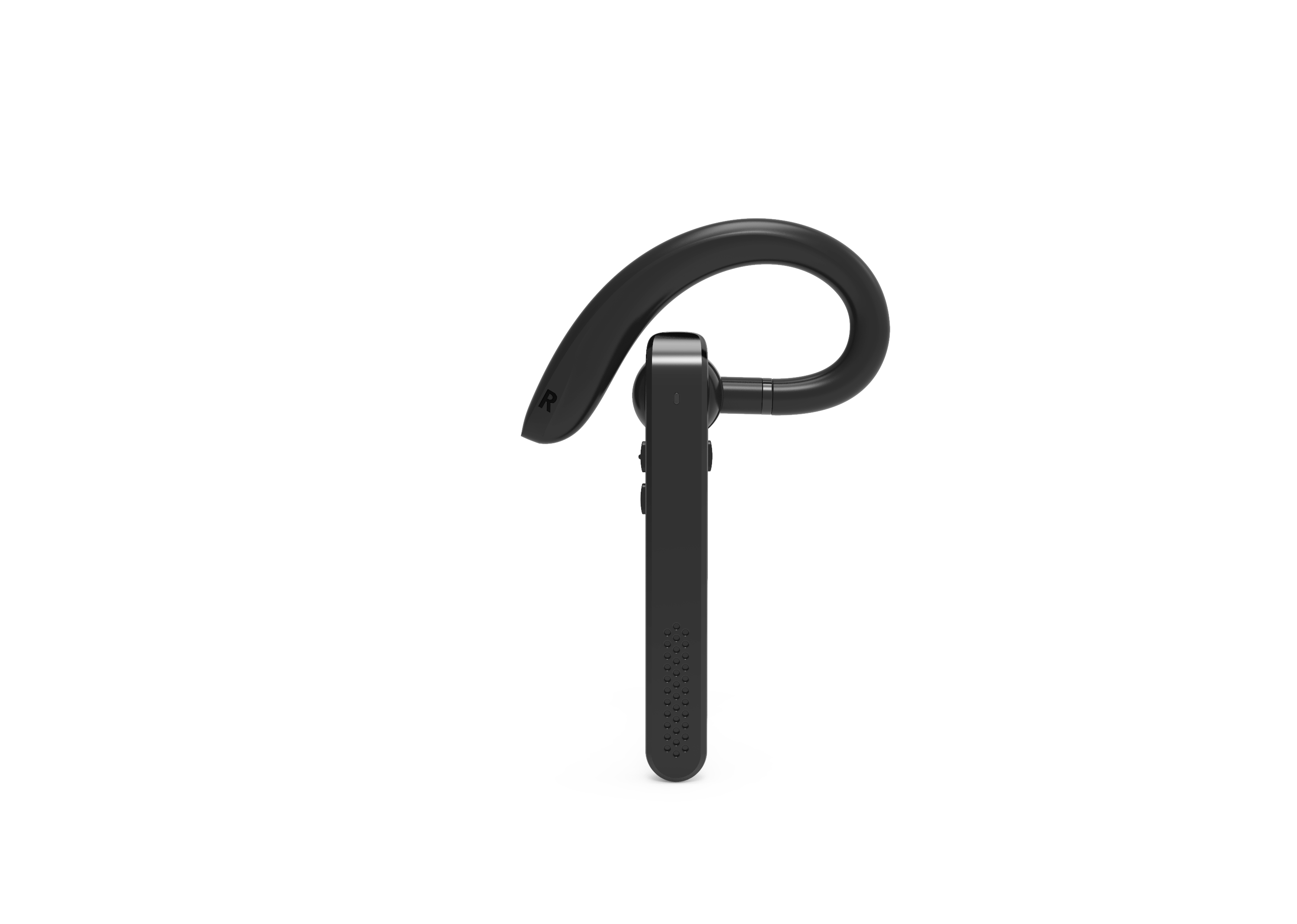
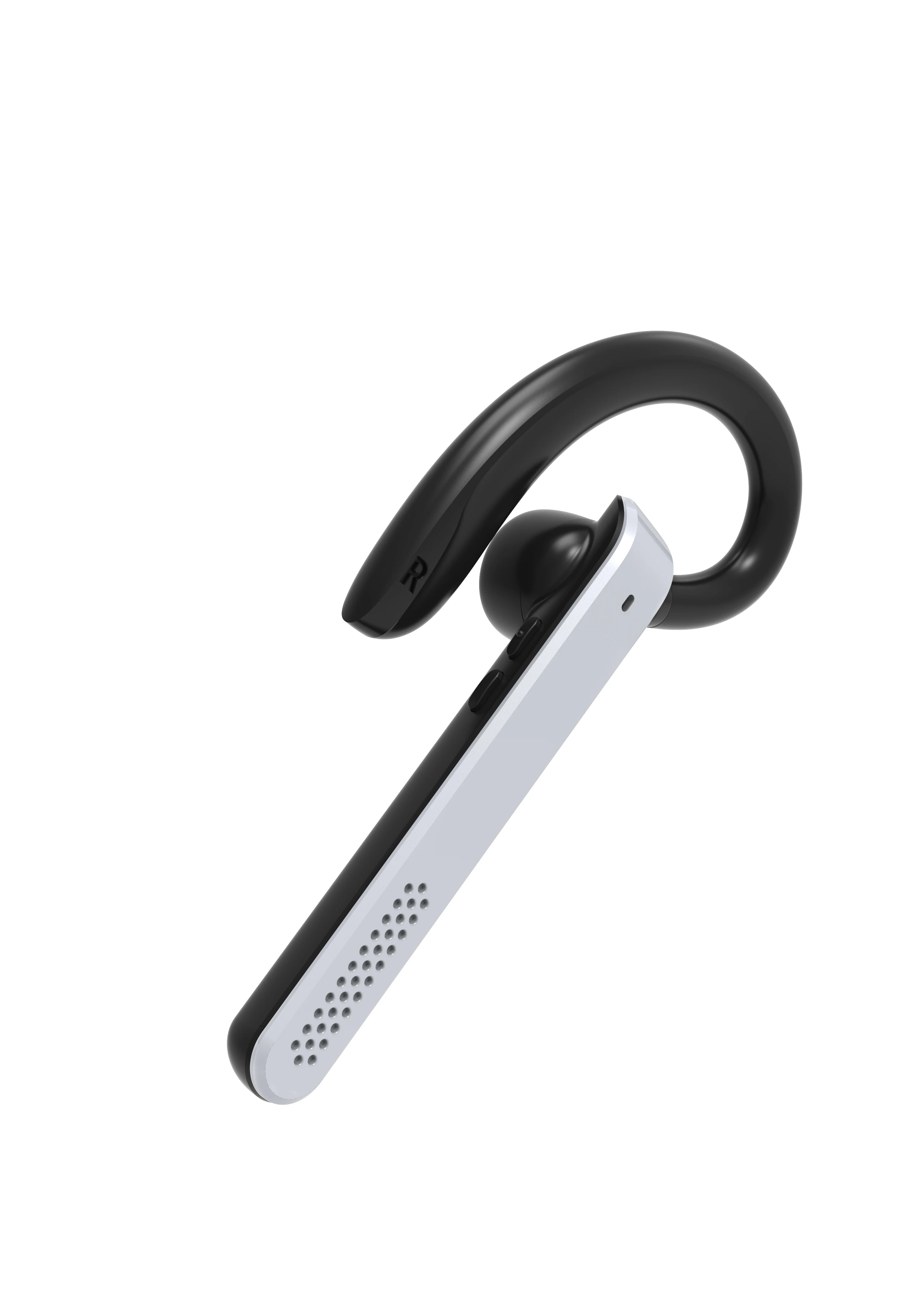
LEFT OR RIGHT EAR
The adjustable wearing structure supports left- and right-ear use. Rotate the earpiece into the orientation that suits your preferred side, then position the hook around the ear. Both options use the same headset.
EAR-HOOK DESIGN
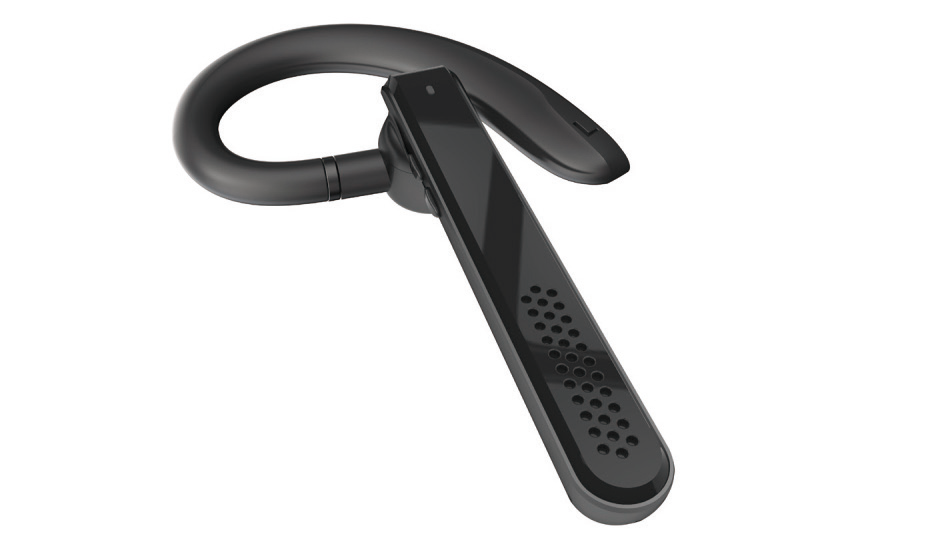
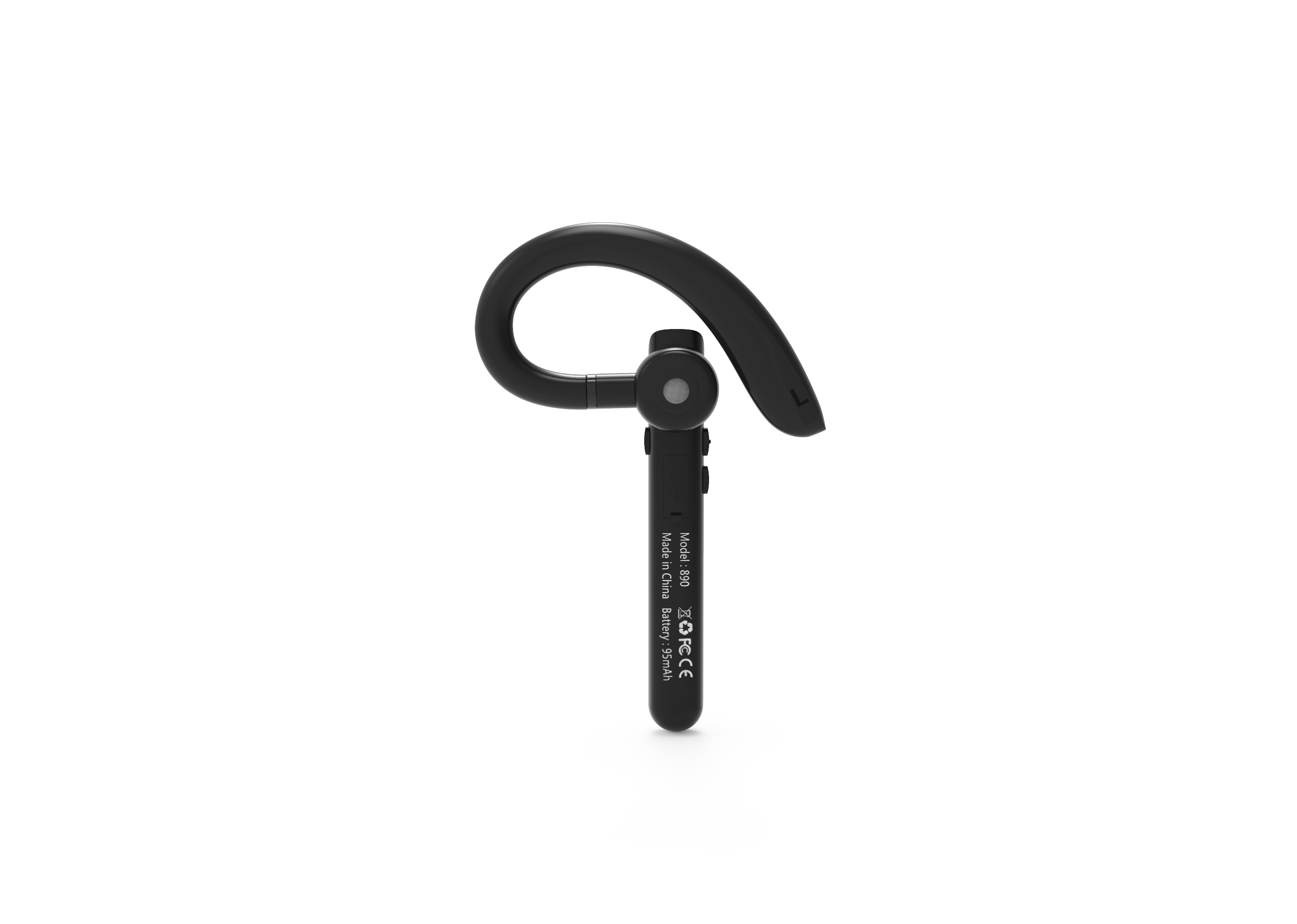
The curved ear hook sits around the ear, while the elongated body follows the side of the face. Explore the front, inner and angled photographs to see how the earpiece and body fit together.
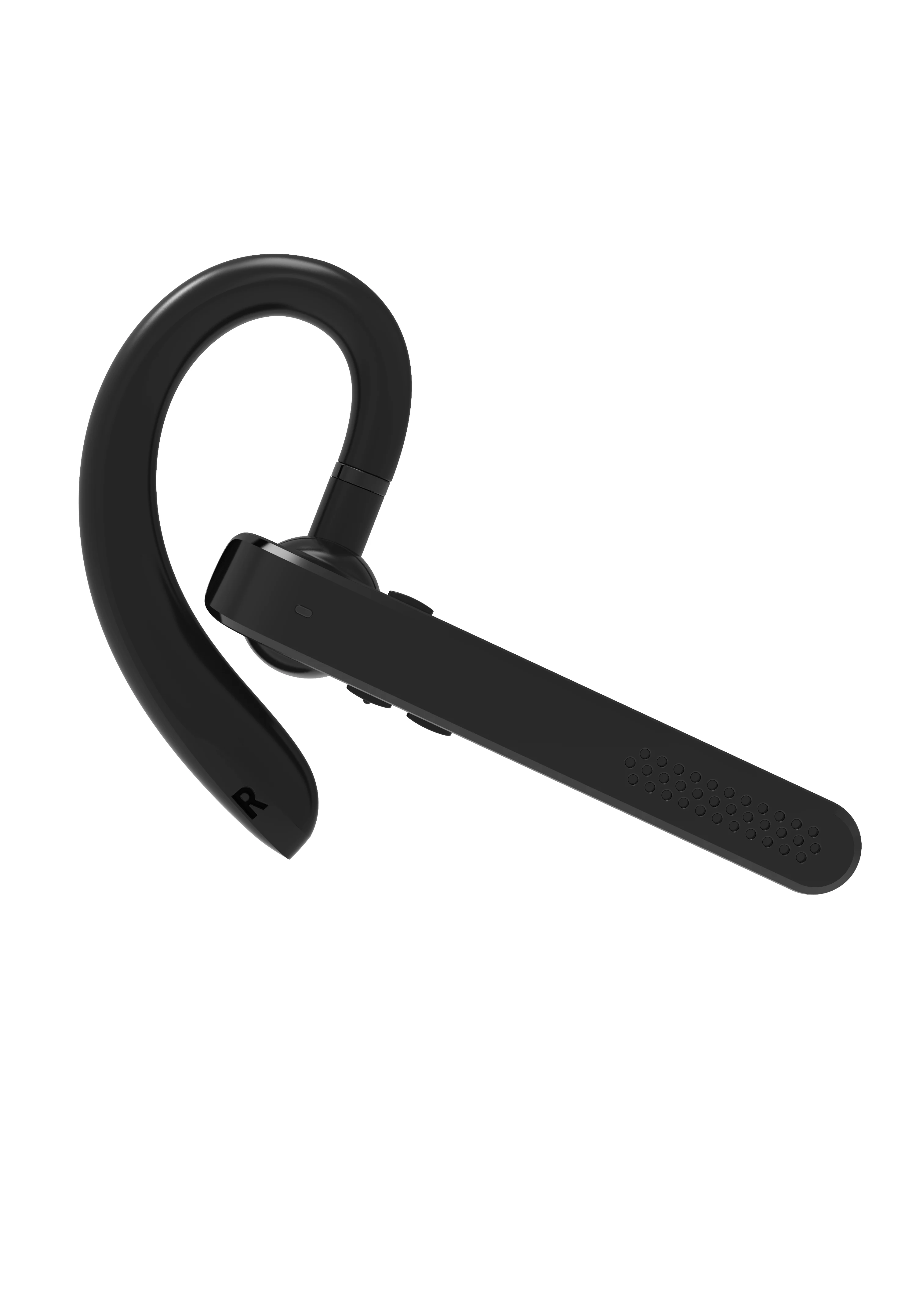
ENC & CALL CONTROL
ENC call noise reduction helps reduce background sound picked up during calls. Press the multifunction button to answer or end a call; the supplied manual also describes incoming-number announcements.
BATTERY & CHARGING
The original product details list approximately 10 hours of music playback or calls, with approximately 2 hours for charging.
Figures follow the supplied product detail images. Actual endurance varies with volume, calls and environment.
Black · Front view
BUSINESS BLUETOOTH HEADSET
Wear it on either ear. The 890 combines a 180° adjustable wearing design with an ear hook, ENC call noise reduction and a multifunction button for everyday calls.
Product appearance and finishes may vary by configuration.
A CLOSER LOOK
The adjustable wearing structure supports left- and right-ear use. Rotate the earpiece into the orientation that suits your preferred side, then position the hook around the ear. Both options use the same headset.
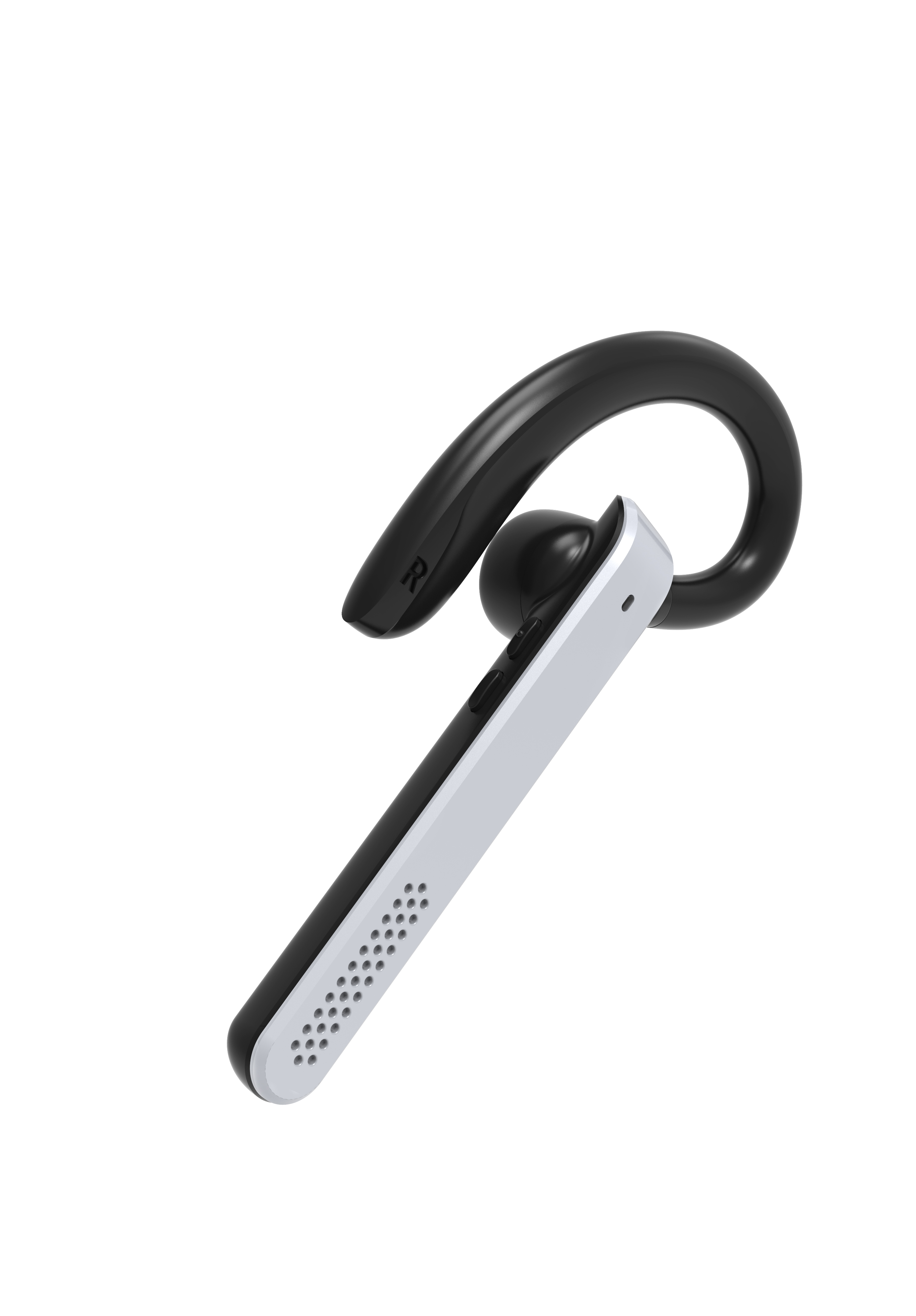
The curved ear hook sits around the ear, while the elongated body follows the side of the face. Explore the front, inner and angled photographs to see how the earpiece and body fit together.
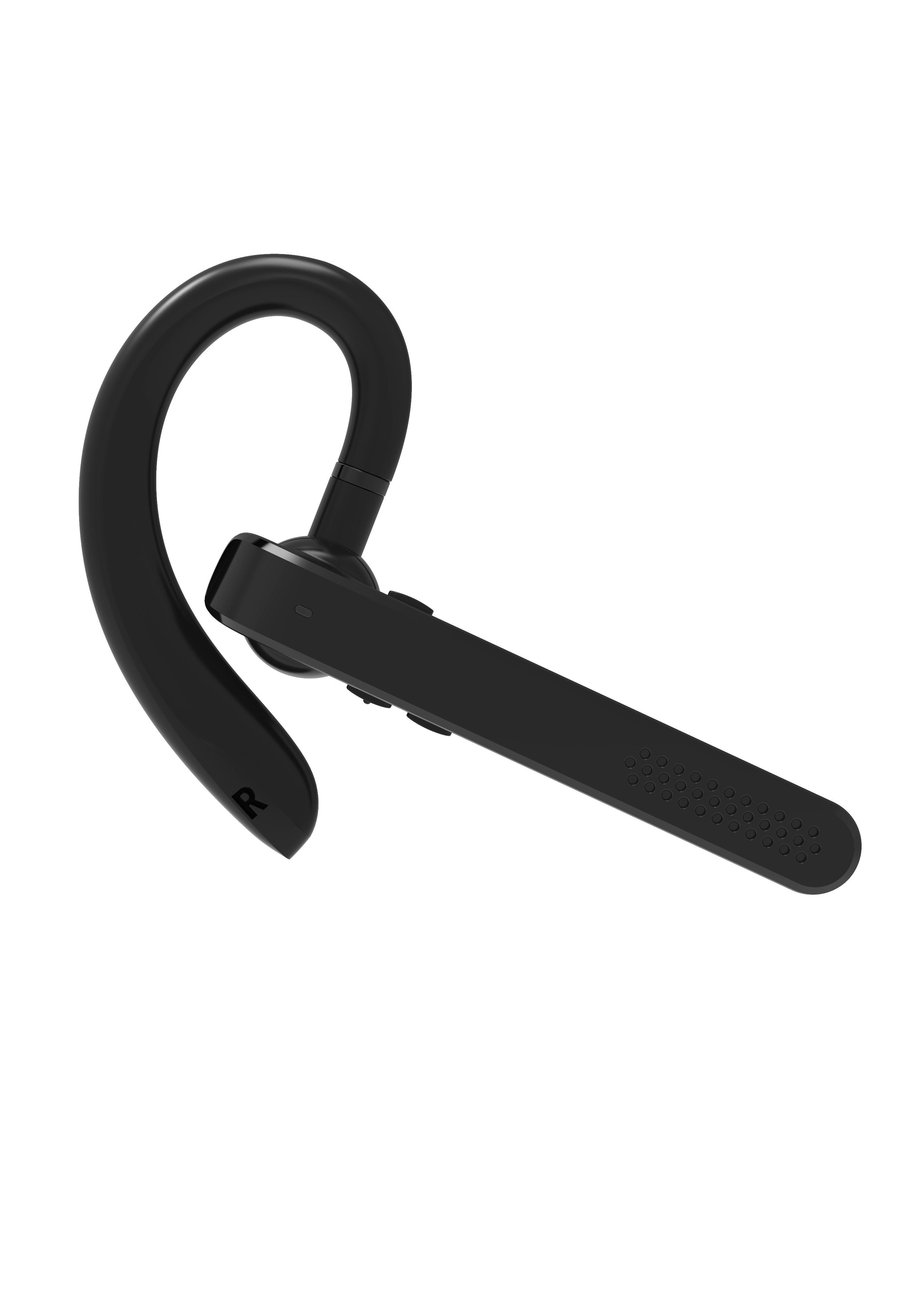
ENC call noise reduction helps reduce background sound picked up during calls. Press the multifunction button to answer or end a call; the supplied manual also describes incoming-number announcements.
CHOOSE YOUR FINISH
UNDERSTAND THE DETAILS
Understand the left/right wearing arrangement and the everyday controls before choosing your finish.
The same headset supports left- and right-ear wearing. The original product details show a 180° rotating adjustment. Set the earpiece orientation for the side you prefer and settle the curved hook around your ear.
Press the multifunction button once to answer or end a call, or to play and pause music. During an incoming call, holding it for approximately two seconds rejects the call. The manual describes spoken incoming-call numbers.
While connected, press and hold the multifunction button for two seconds and release to enter the phone voice assistant. Press once to exit. This function works through the connected phone.
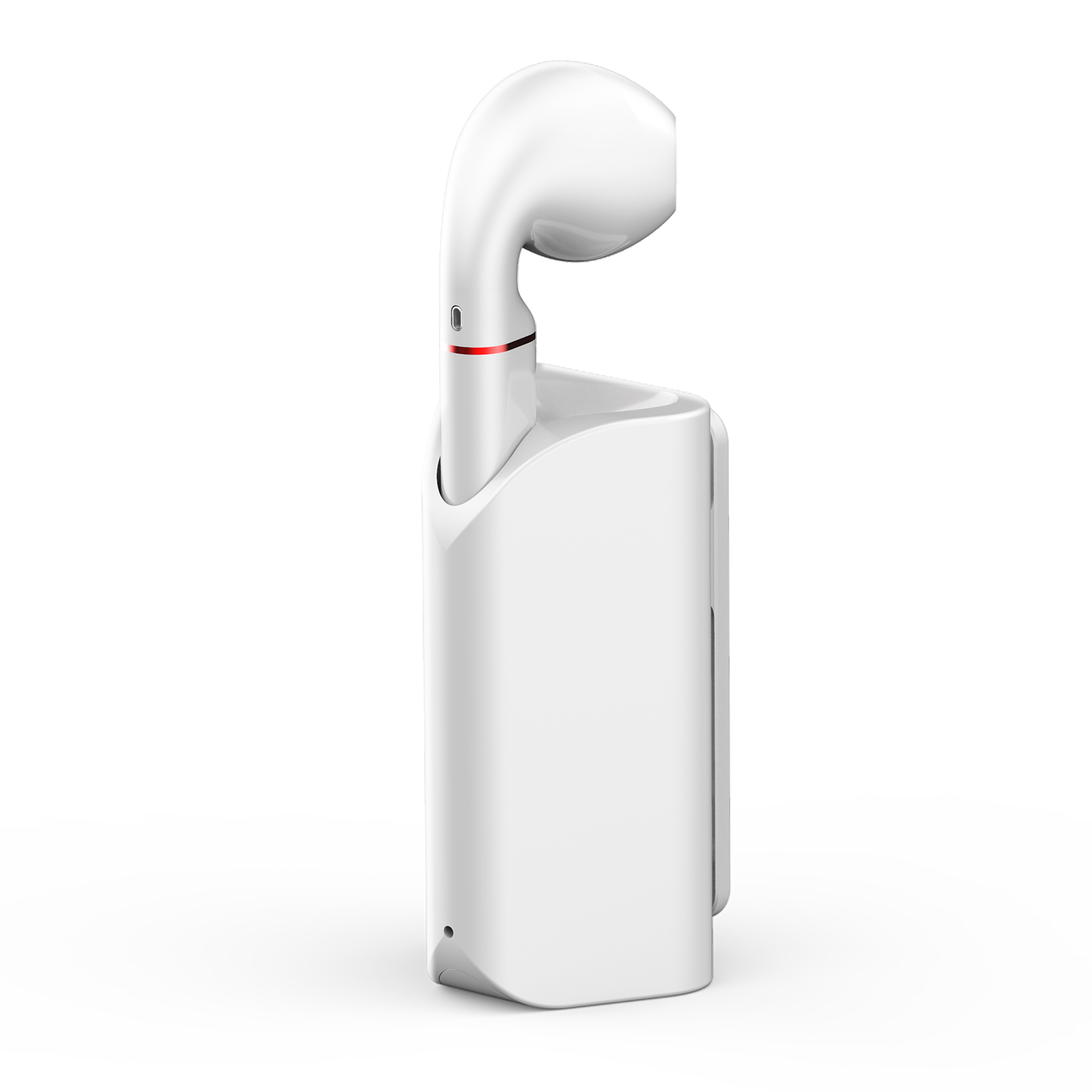
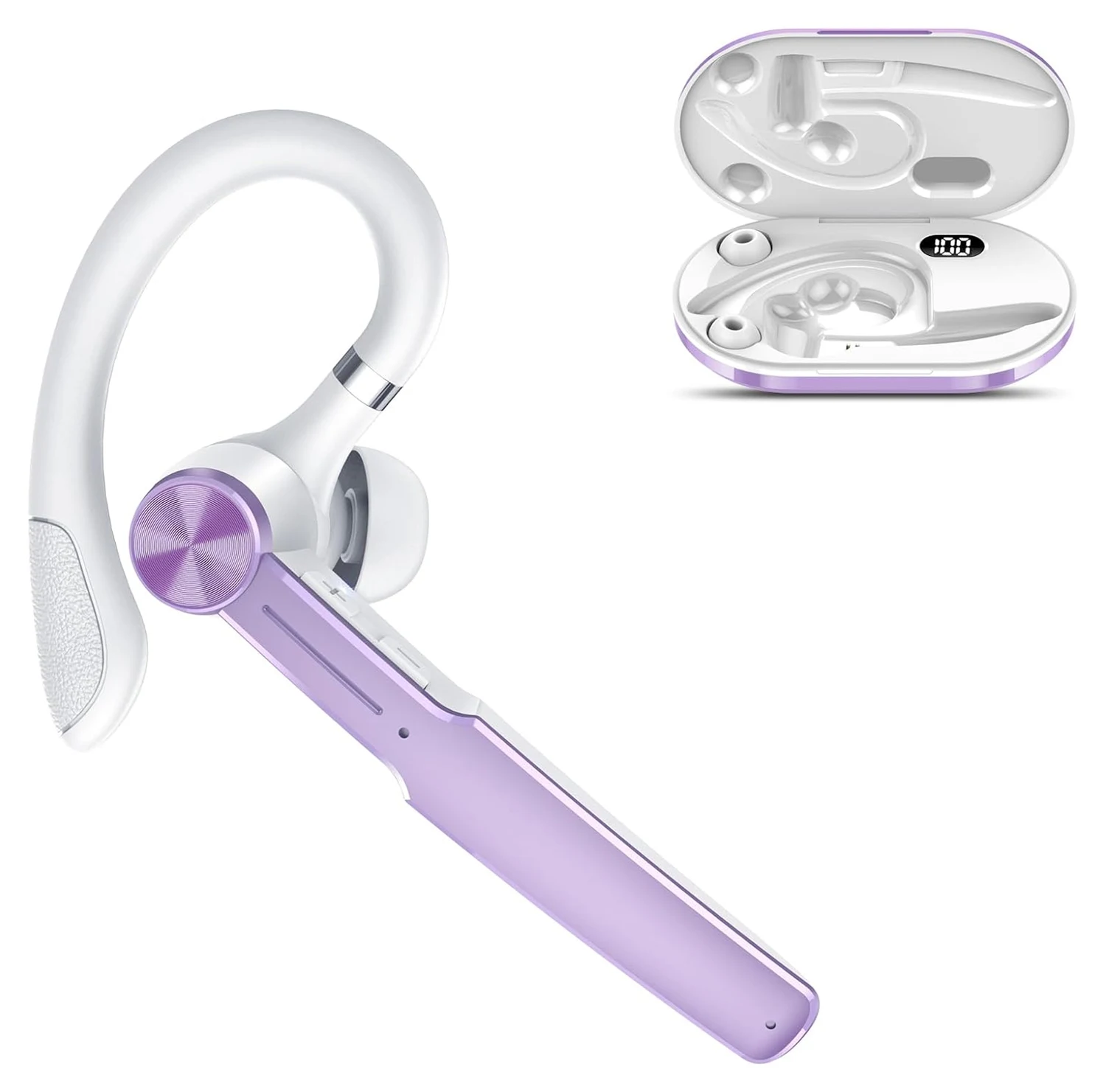
The 890 has a perforated outer-panel design and is shown in black and silver. Four original white-background views are available for each finish, including the inner earpiece and alternate body angles.
PRODUCT INFORMATION
Battery life and wireless range vary with usage and environment.
OEM CUSTOMIZATION & SAMPLES
Minimum order quantity for OEM logo customization.
Minimum order quantity for OEM packaging customization.
Samples are charged. The sample fee can be credited toward your bulk order when you place it.